Employee journey
Your team’s workday, in their pocket
From sign-in to clock-in, from schedules to payslips: every step, screen by screen.
Step 01/Sign-in
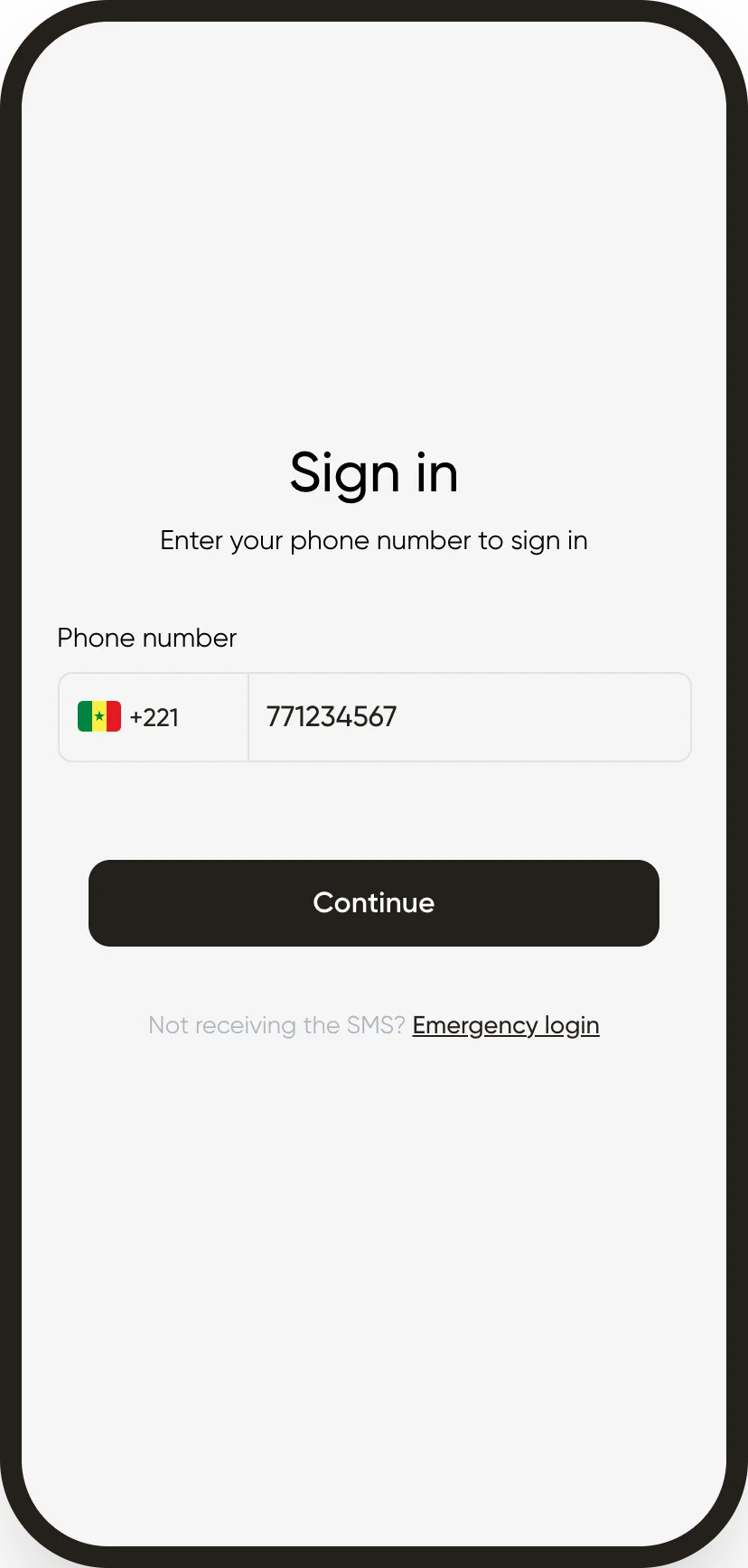
I sign in with my phone number
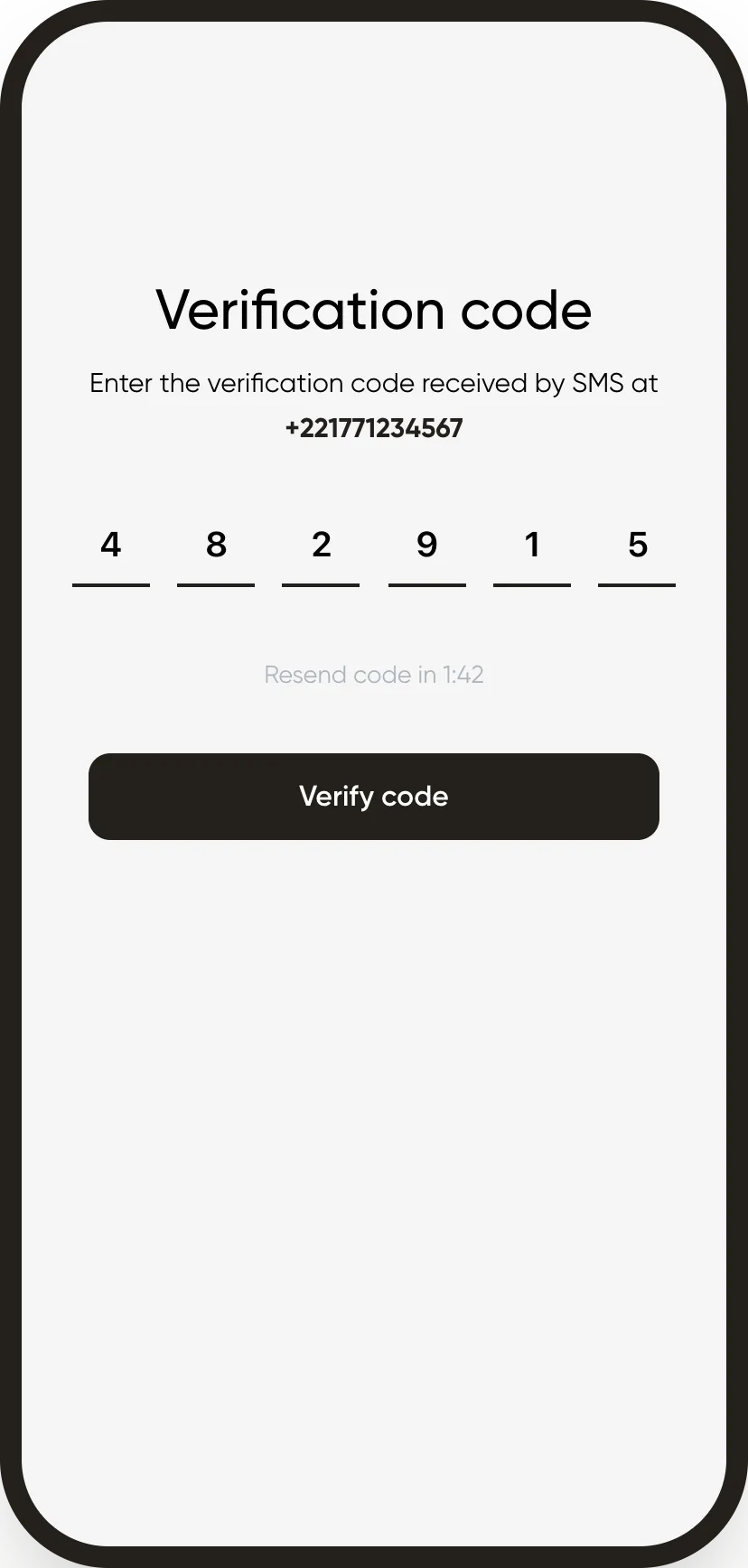
No password to remember: I get a code by text message. If it doesn’t arrive, my manager gives me an emergency code.
Step 02/Home
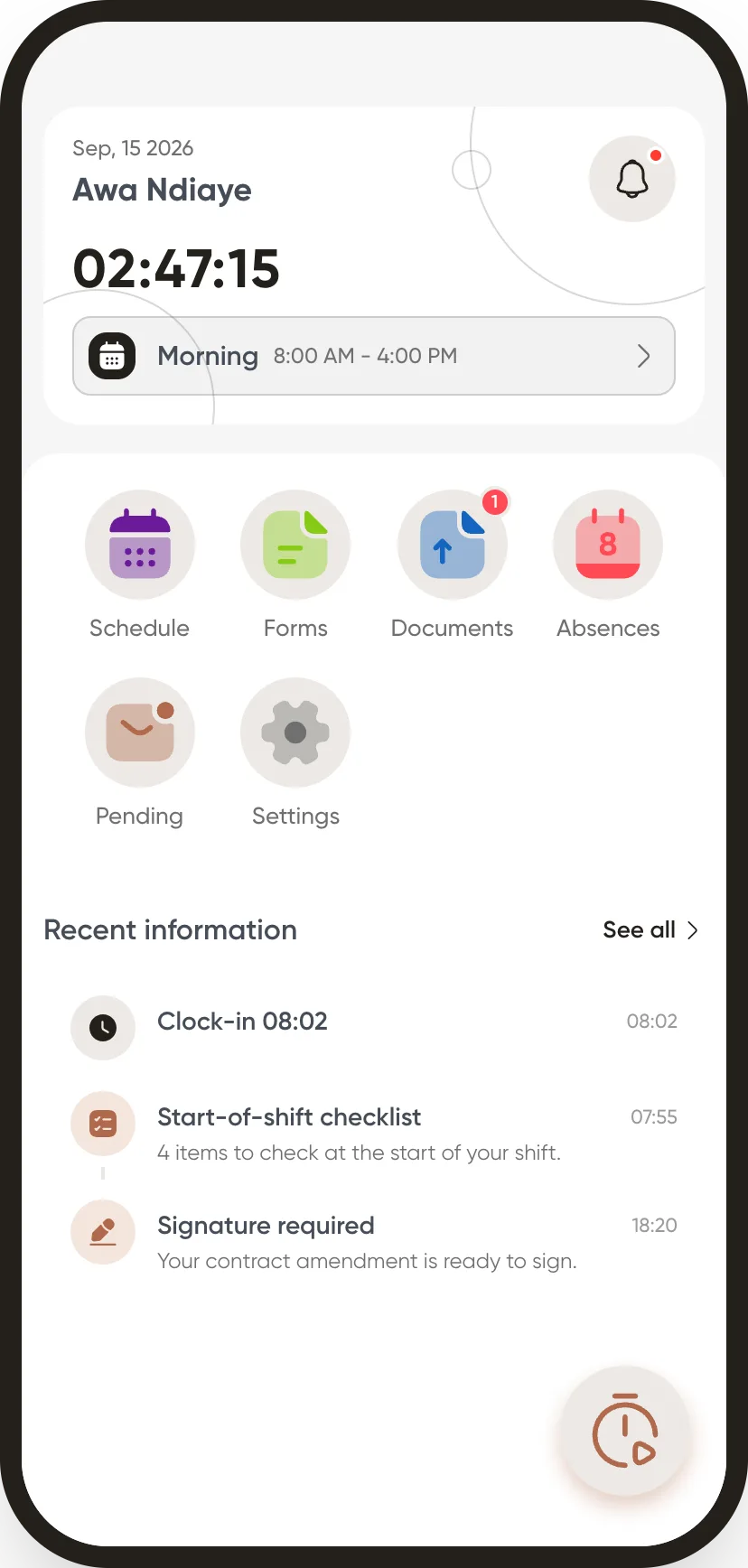
I open the app, my day is right there
No searching: my shift, my timer and everything waiting for me show up as soon as I open it.
Step 03/Clock-in
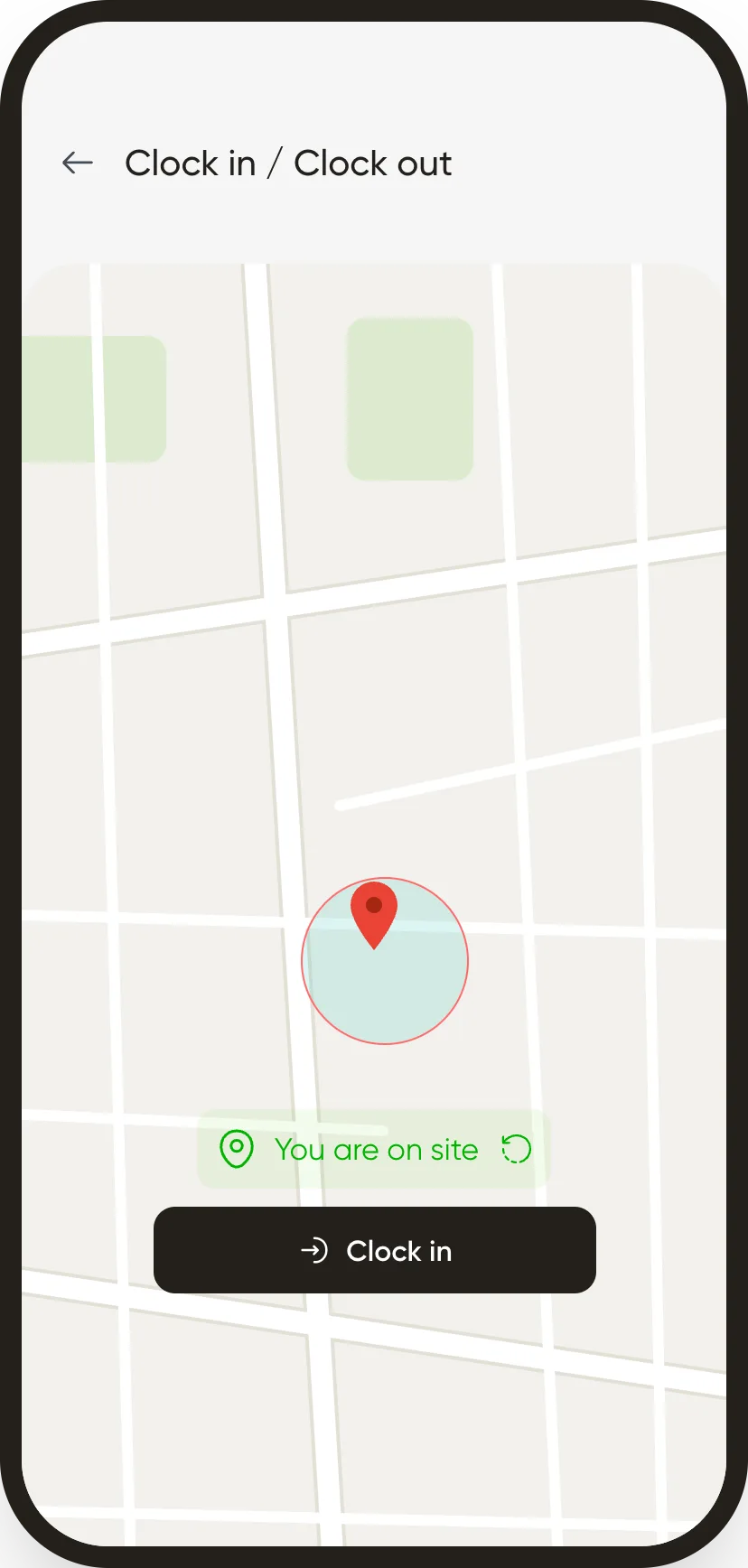
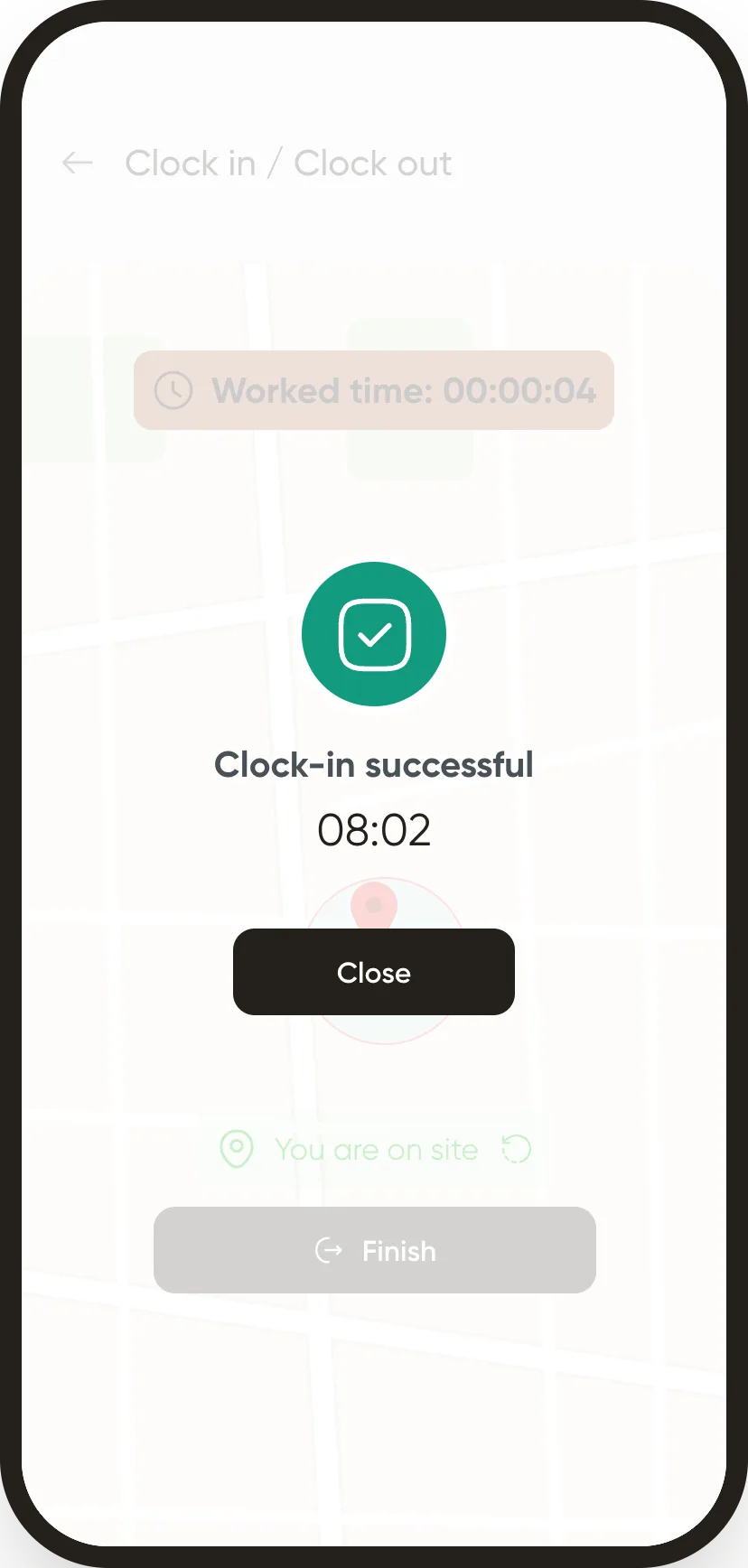
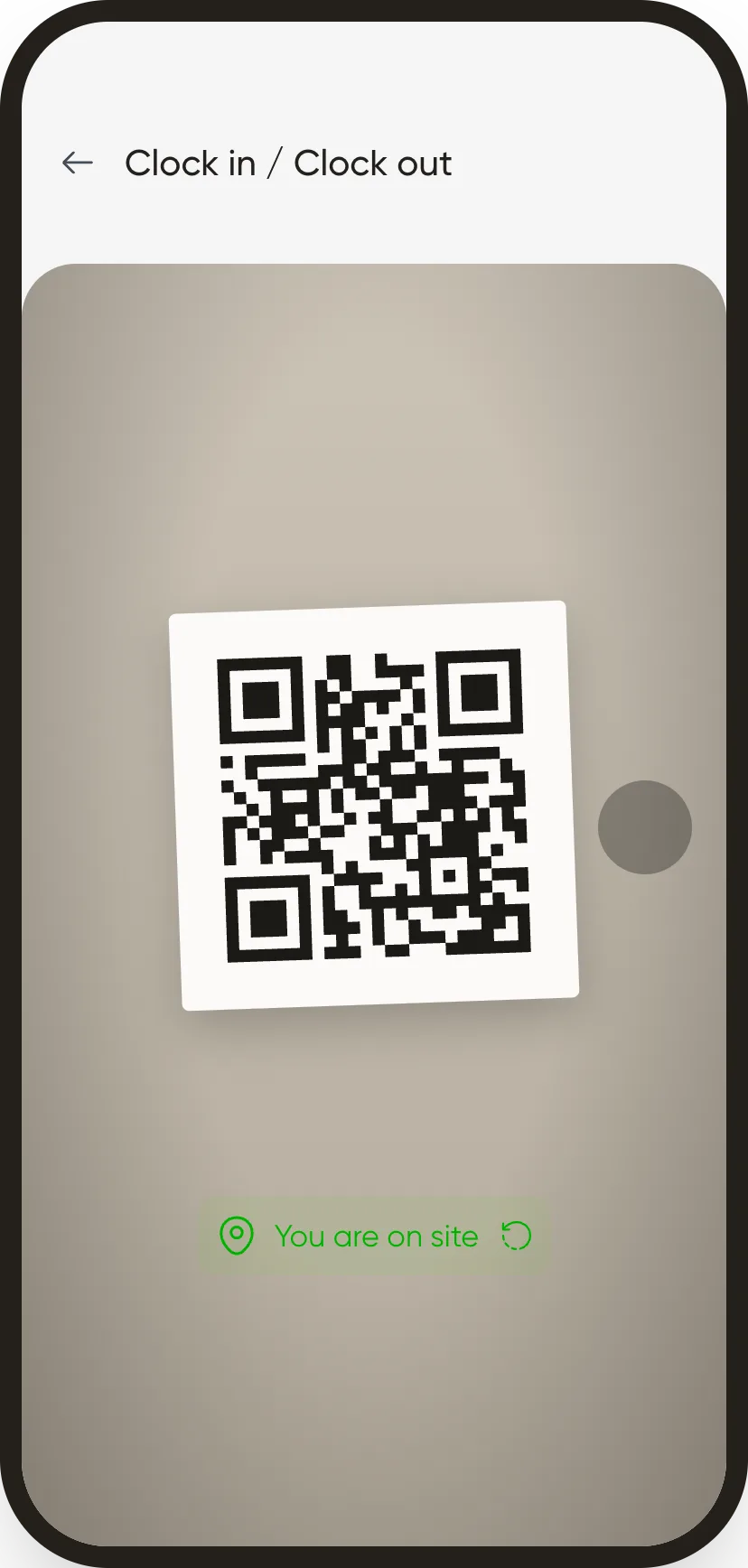
I clock in when I arrive on site
The app shows whether I’m on site and records the time, even offline. By geolocation or a QR code posted at the workstation, depending on the company.
Step 04/Face recognition
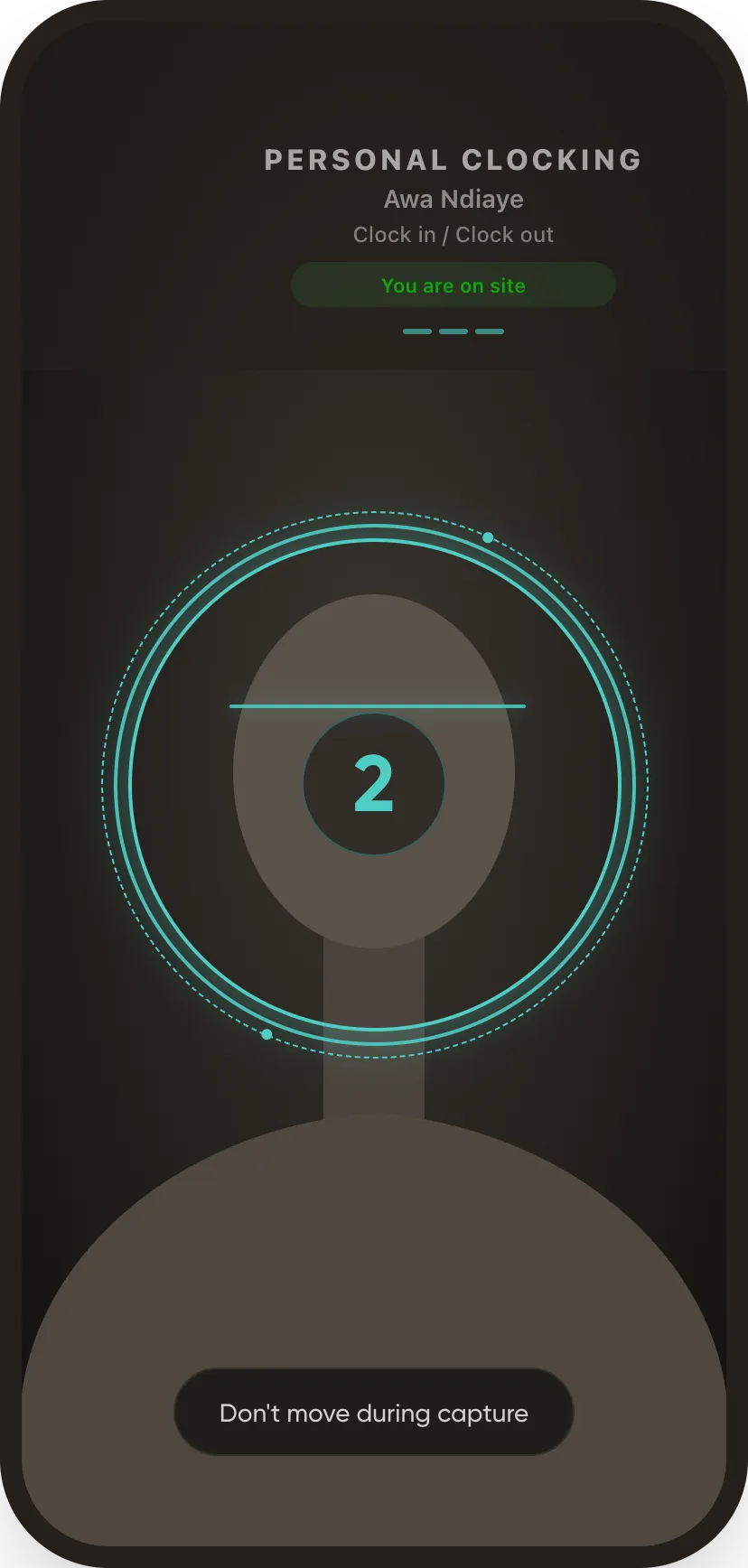
Or I show my face, if the company chose it
A photo goes with my clock-in to verify my identity. It goes to the server, where the check happens: nothing is compared or stored on the phone.
Face recognition processes biometric data. In Senegal it requires prior authorisation from the CDP; QR code and geolocation raise no such question.
Step 05/Schedule
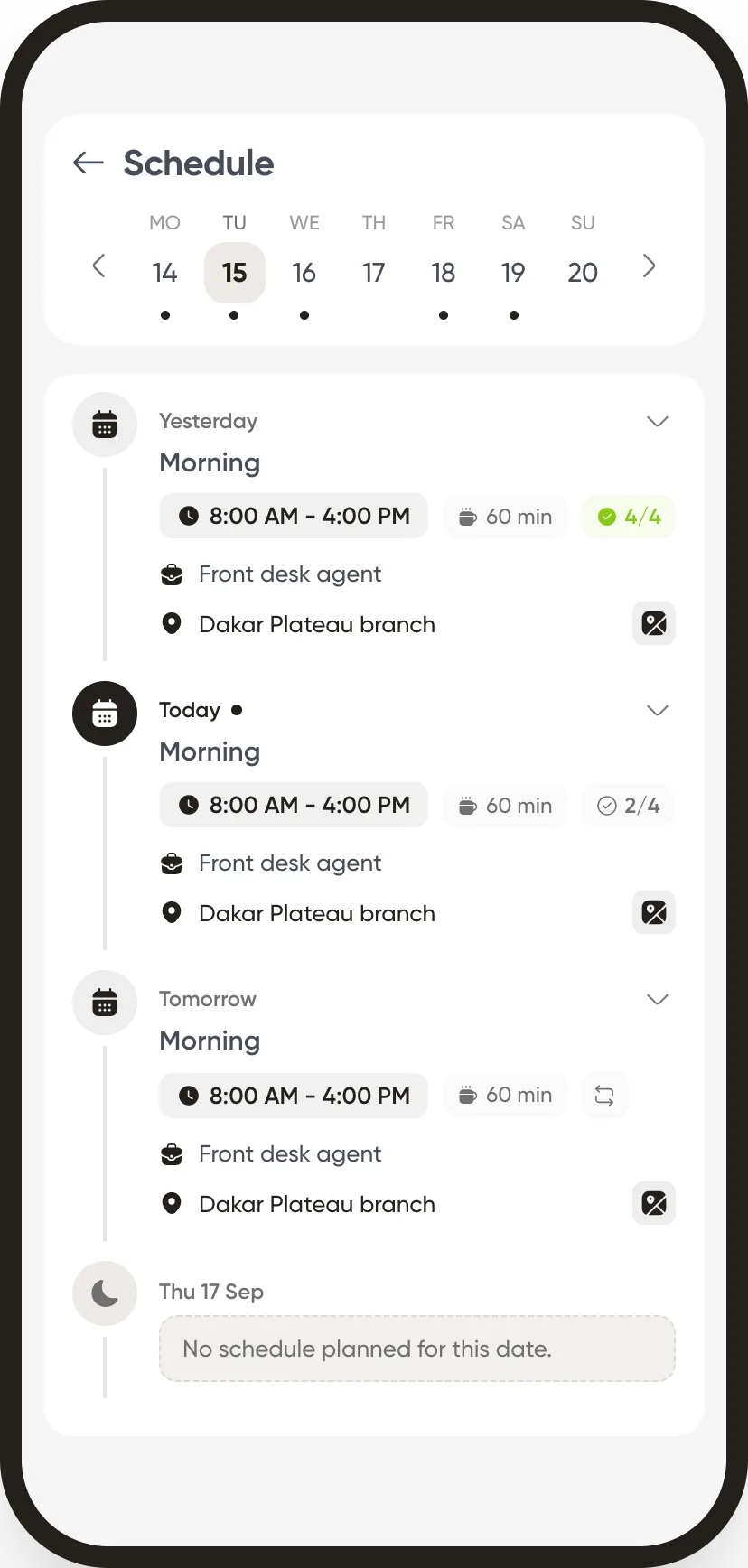
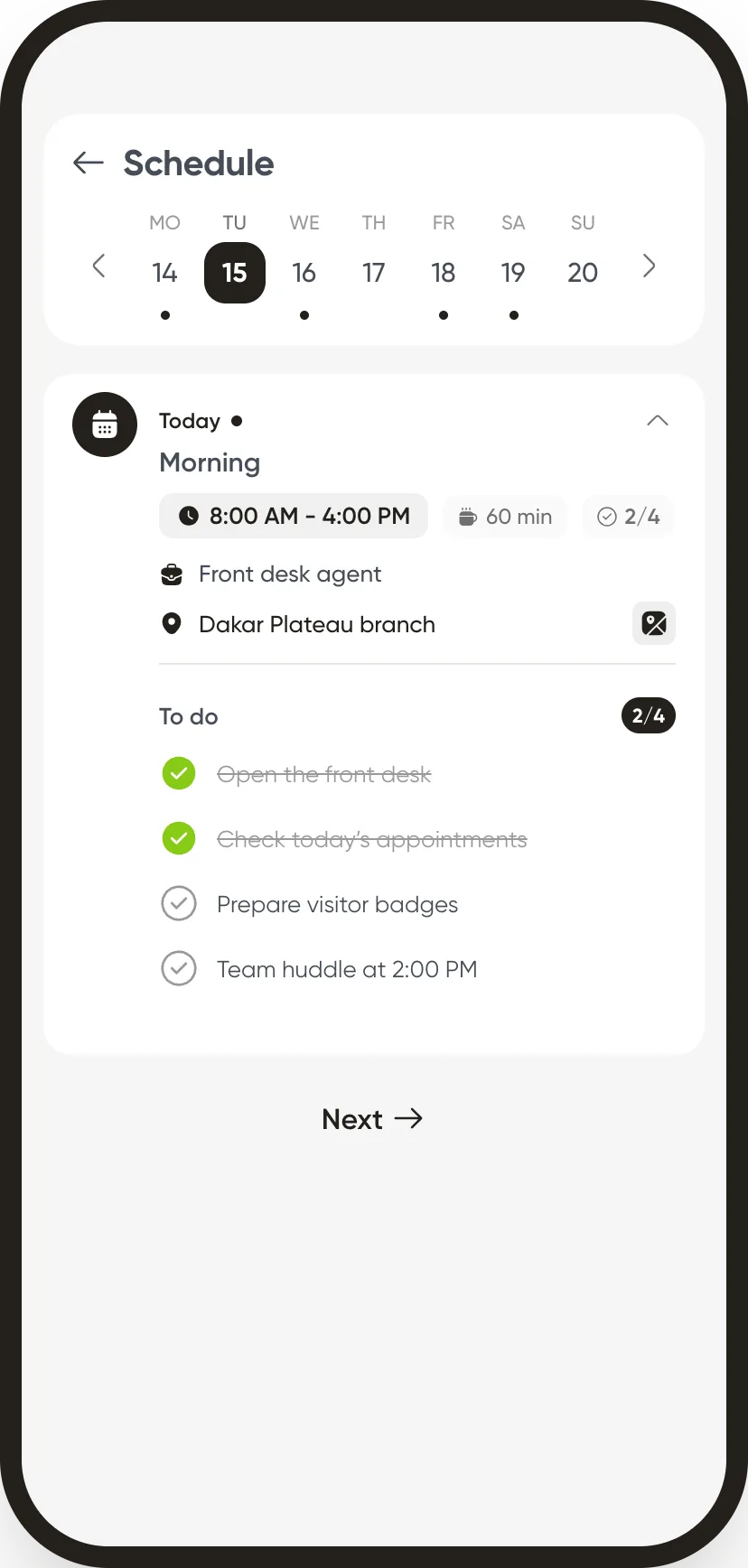
I see my week and tick off my tasks
Hours, break, role and location for every day. My shift checklist gets ticked off as the day goes on.
Step 06/Leave
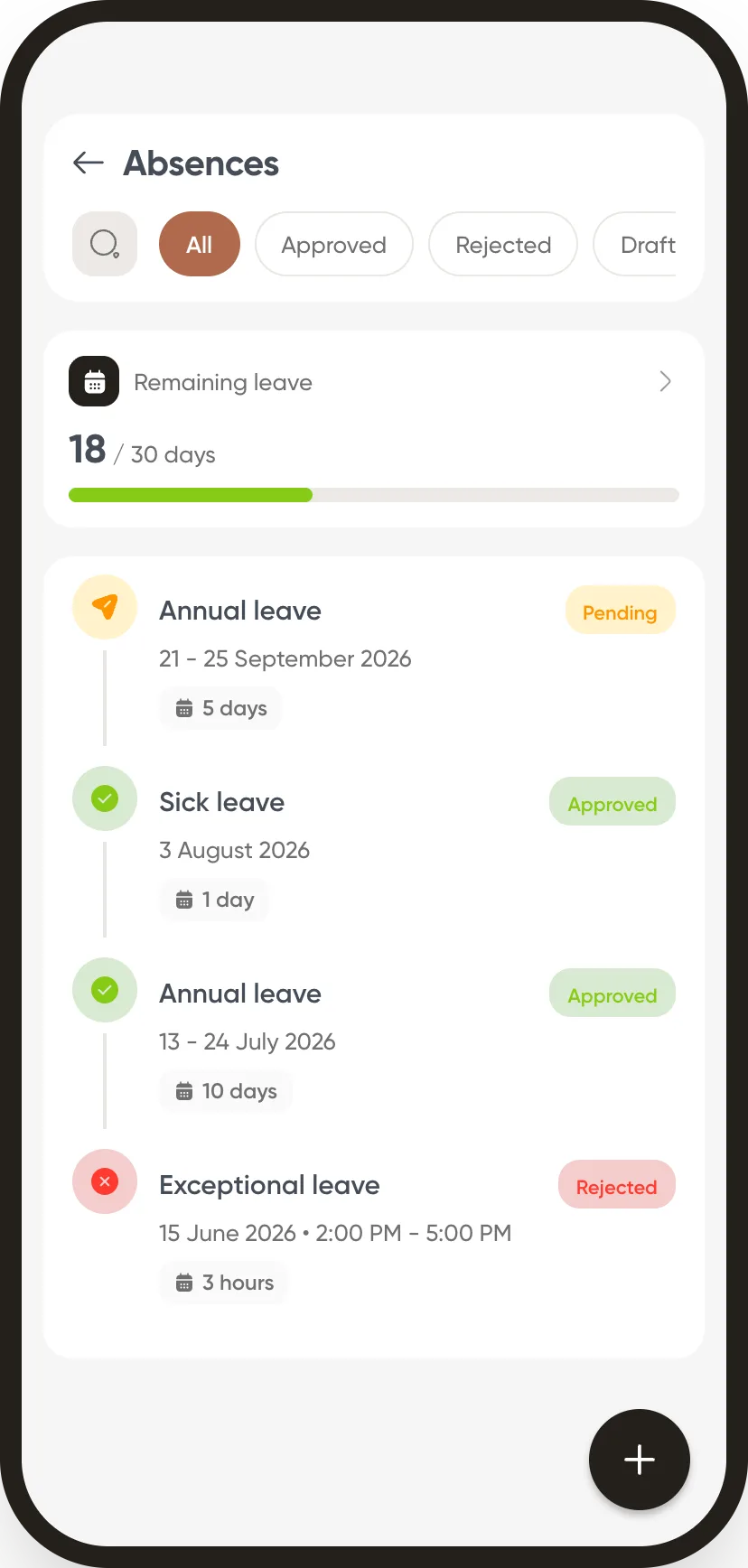
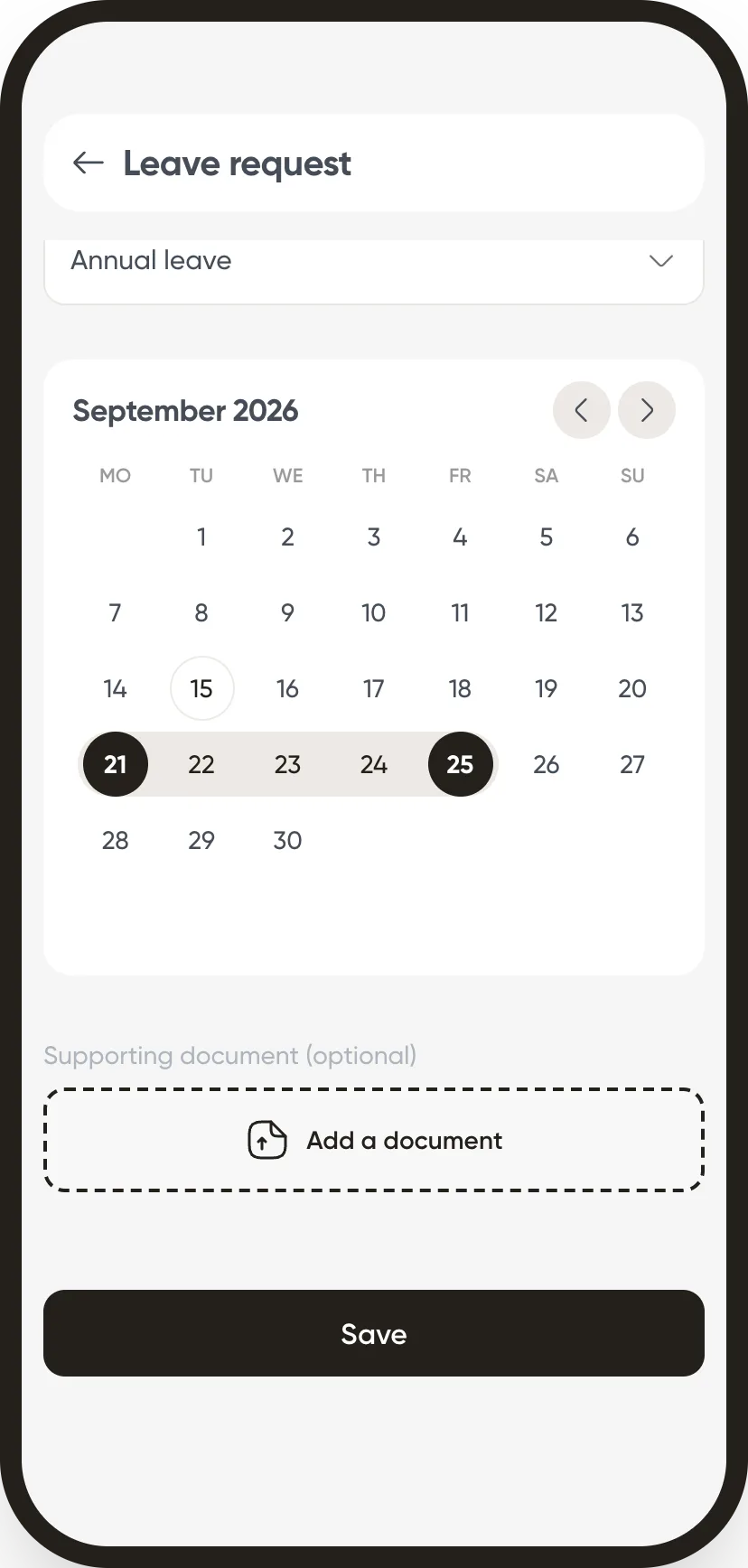
I request leave and track its approval
My balance and the status of every request are right there. A new request takes a minute: the type, the dates, a supporting document if needed.
Step 07/Forms
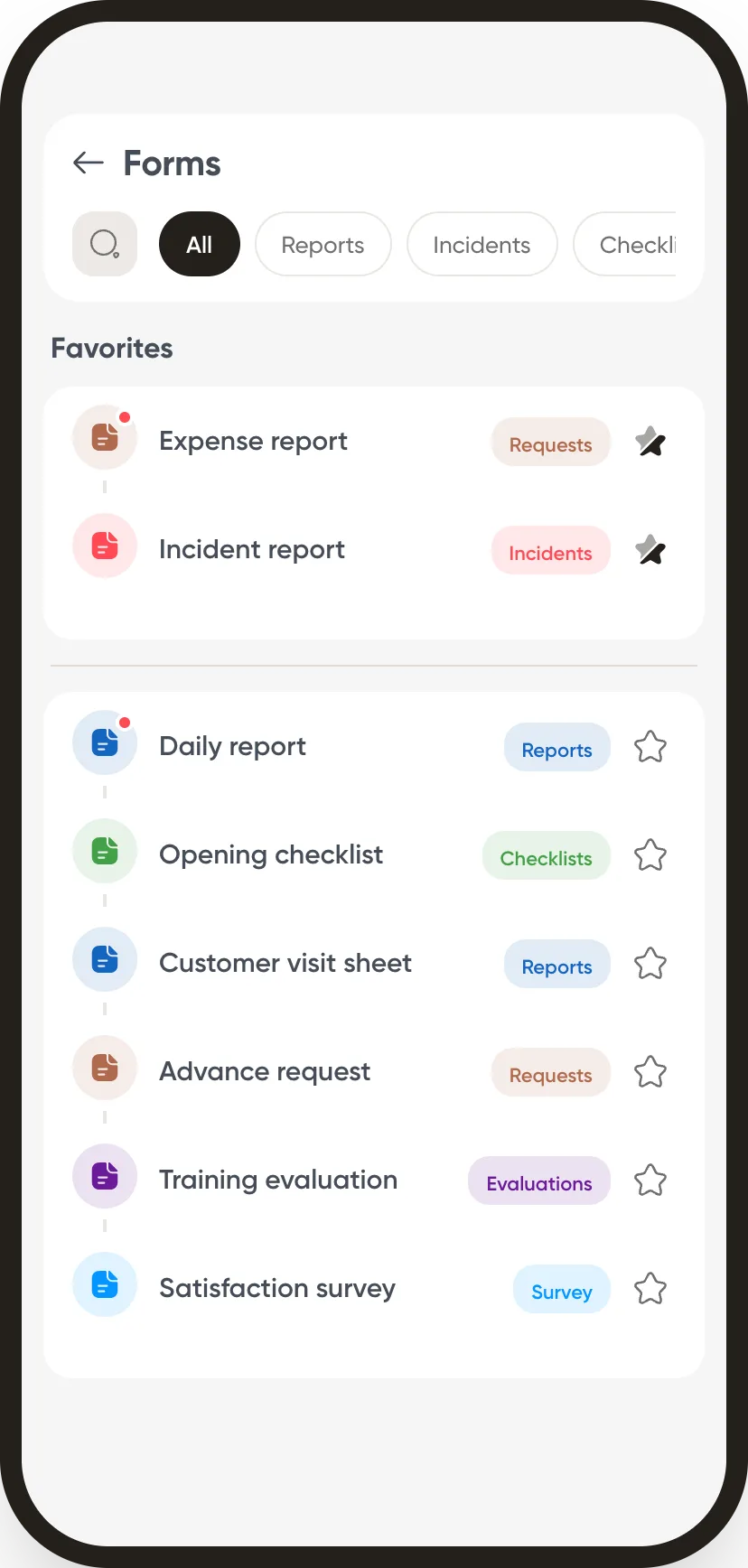
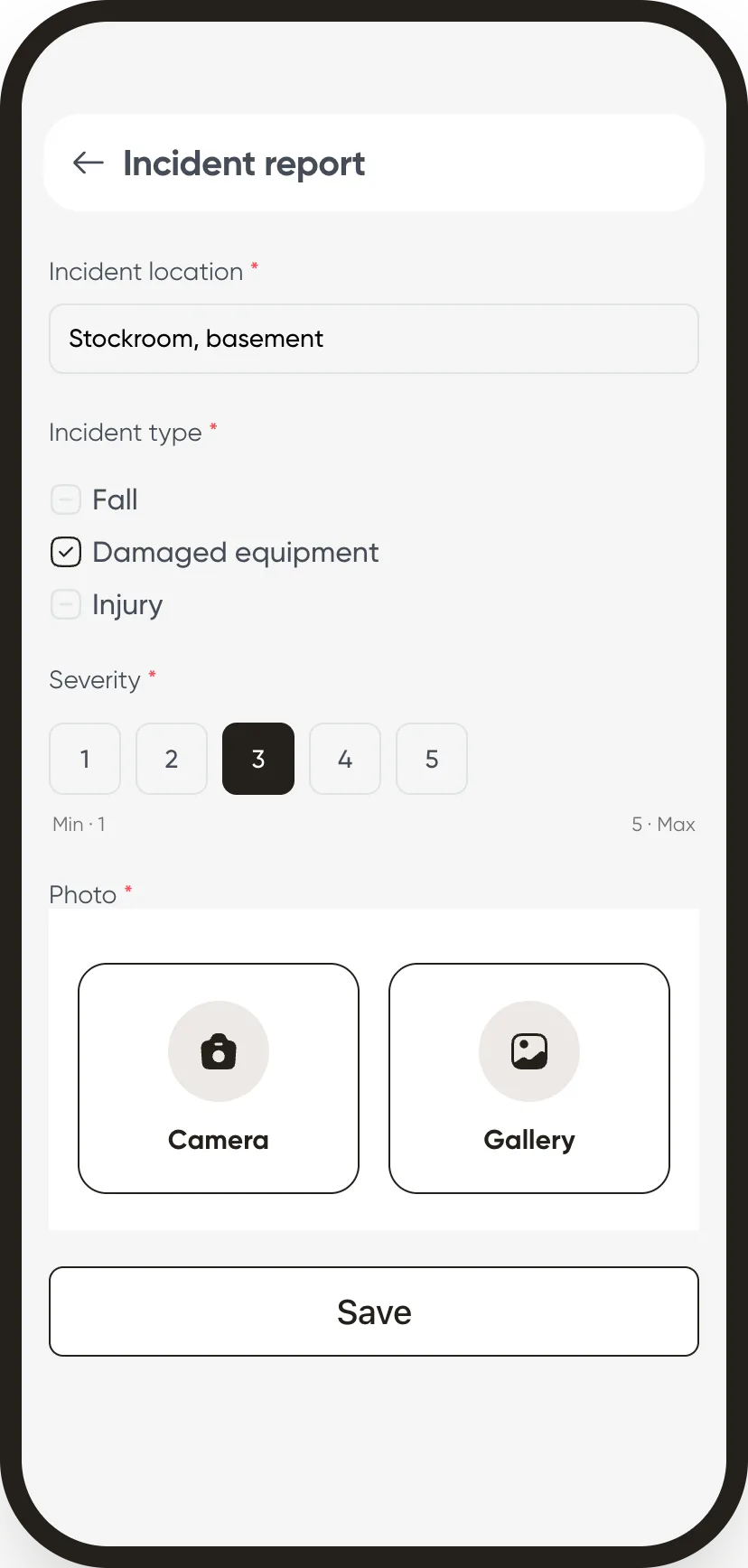
I fill in a form right from the field
Reports, incidents, checklists, requests: every form lives in the app, with a photo, a signature or a scan when needed. My favourites stay at the top of the list.
Step 08/Documents
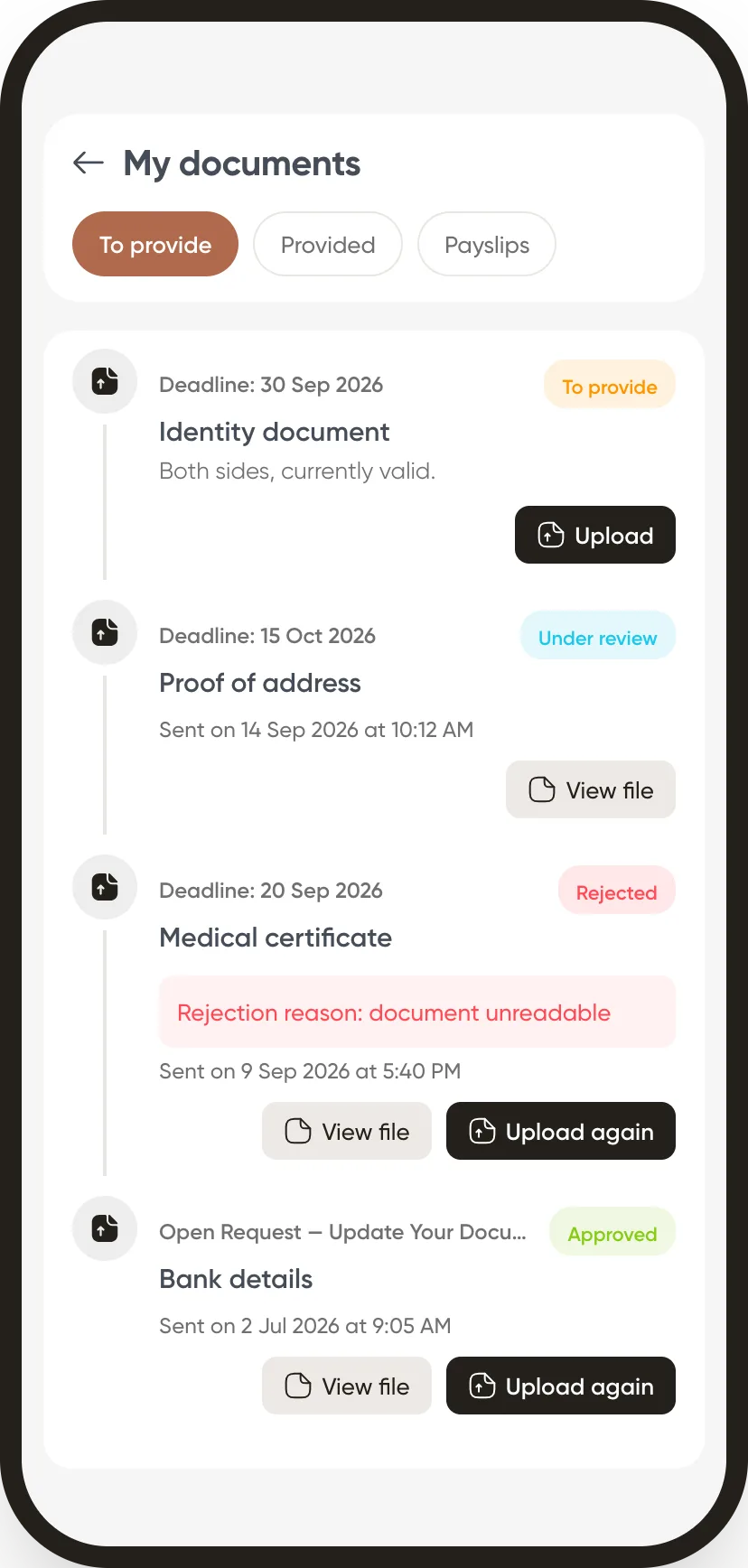
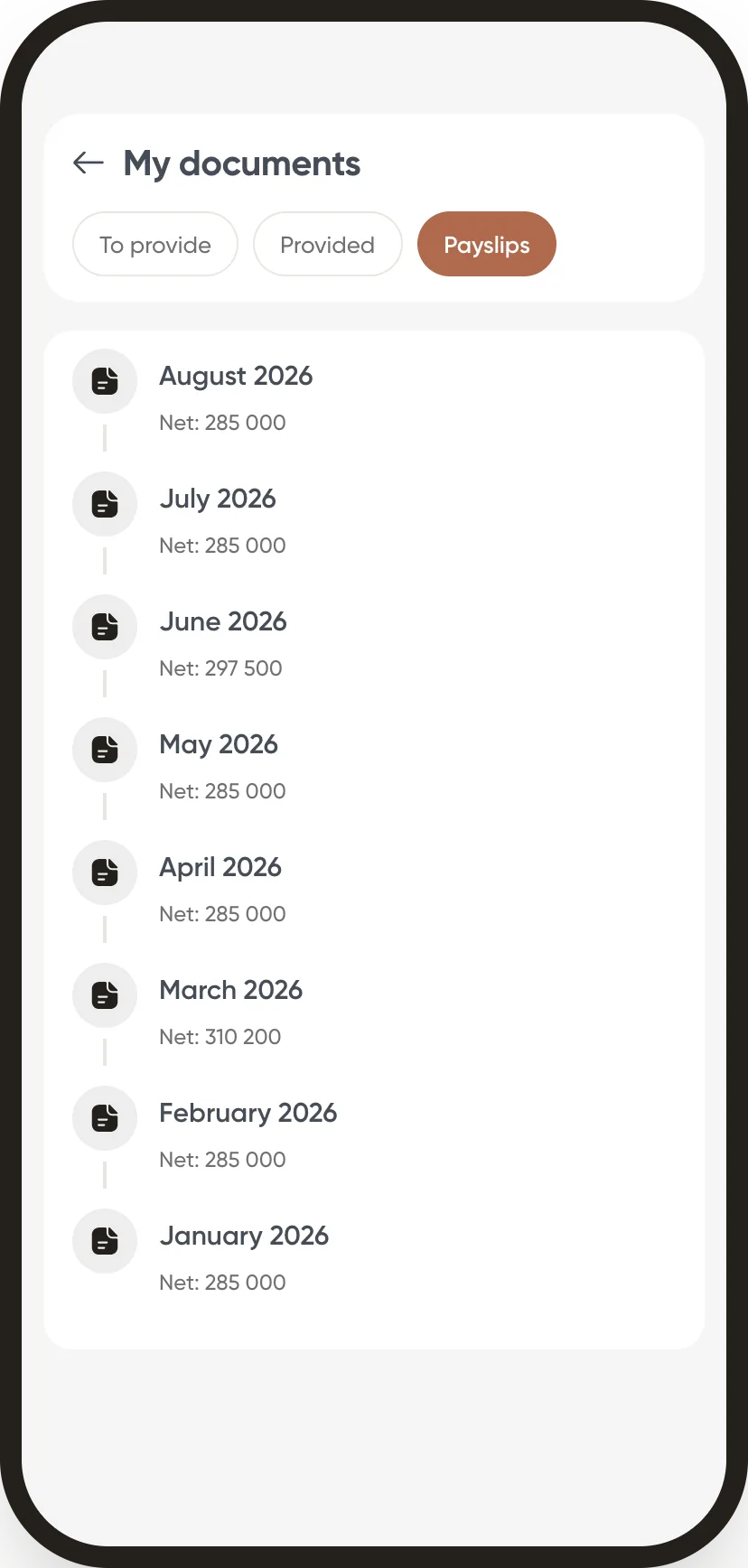
I upload my documents and find my payslips
HR needs a document? I upload it from my phone and follow its review. My approved payslips are there every month, ready to download.
Step 09/Approvals
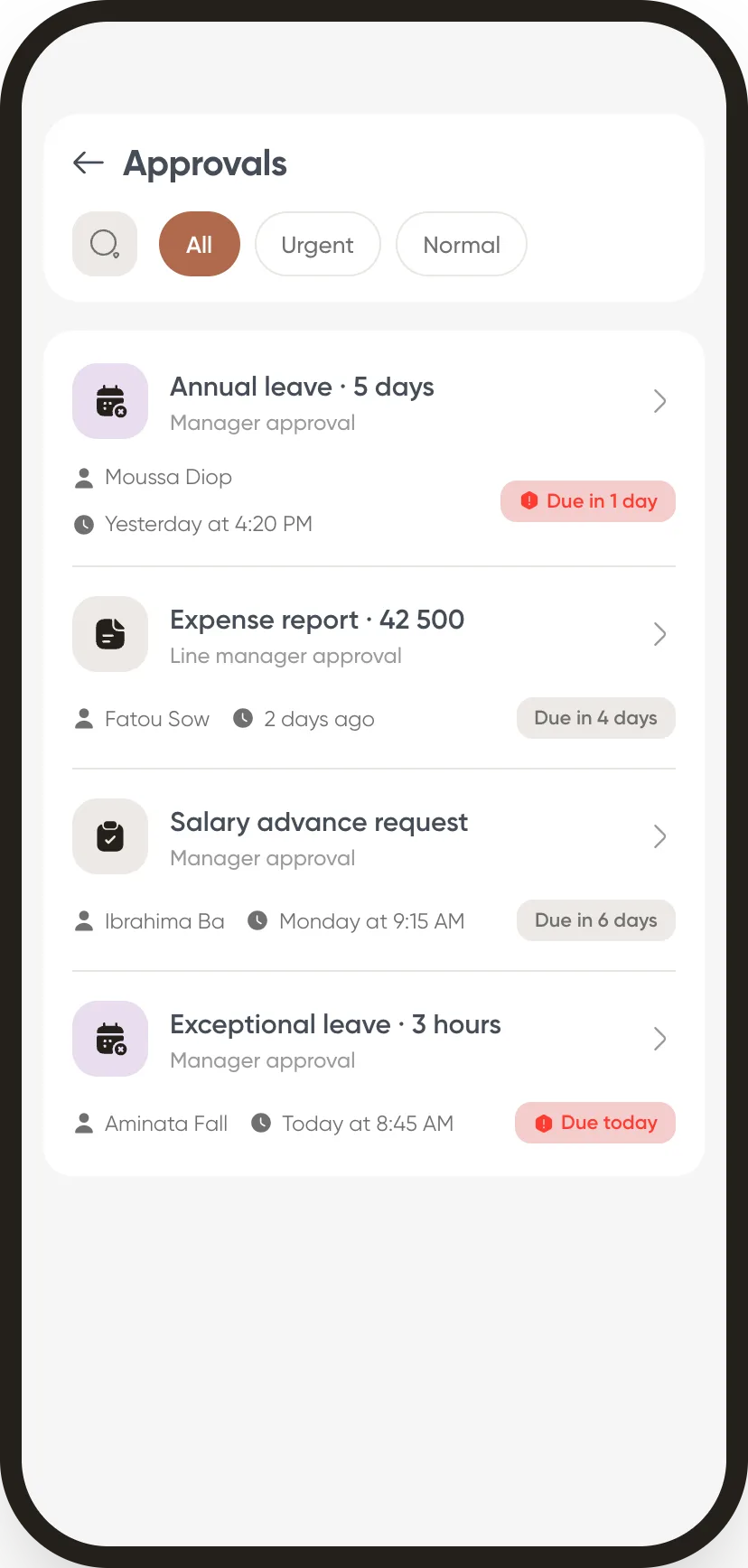
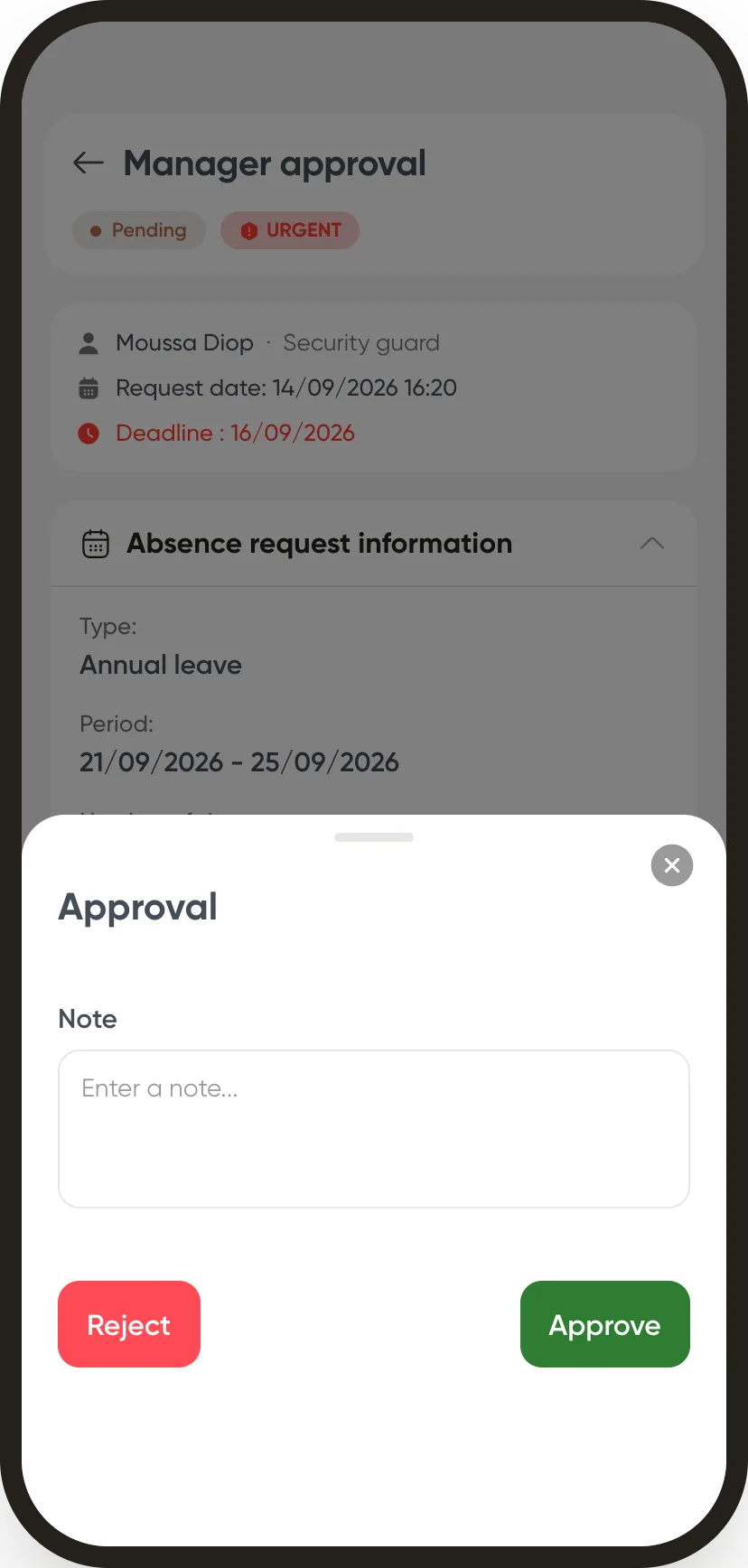
I approve my team’s requests
Leave, expense reports, advances: the requests waiting for me come with their deadline. I open, read, approve or reject with a note, and the workflow moves on.
Step 10/Notifications
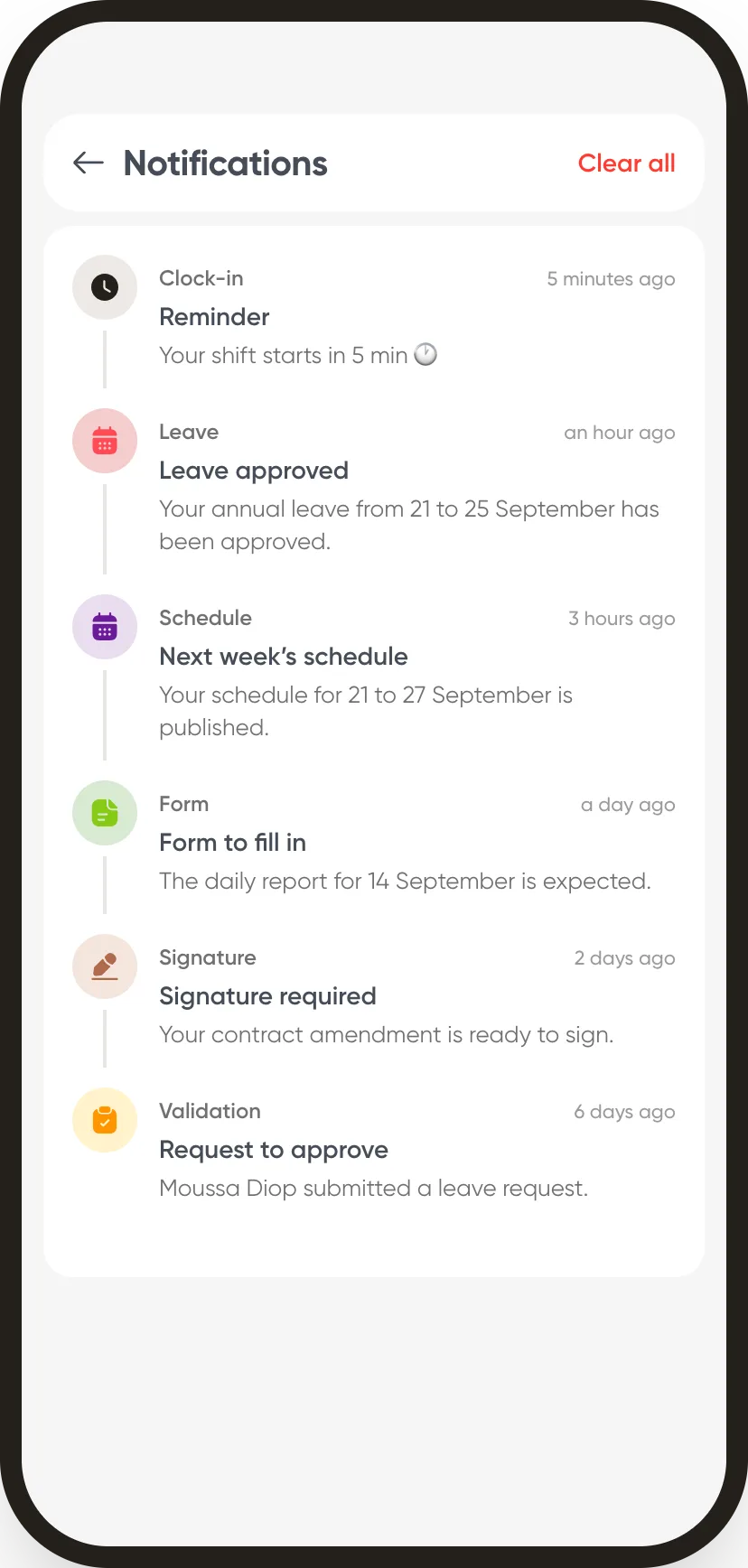
I’m kept informed, I miss nothing
Schedule published, leave approved, form to fill in, signature expected: every event reaches me as a notification. A reminder warns me before my shift and before I leave.
Step 11/Profile & settings
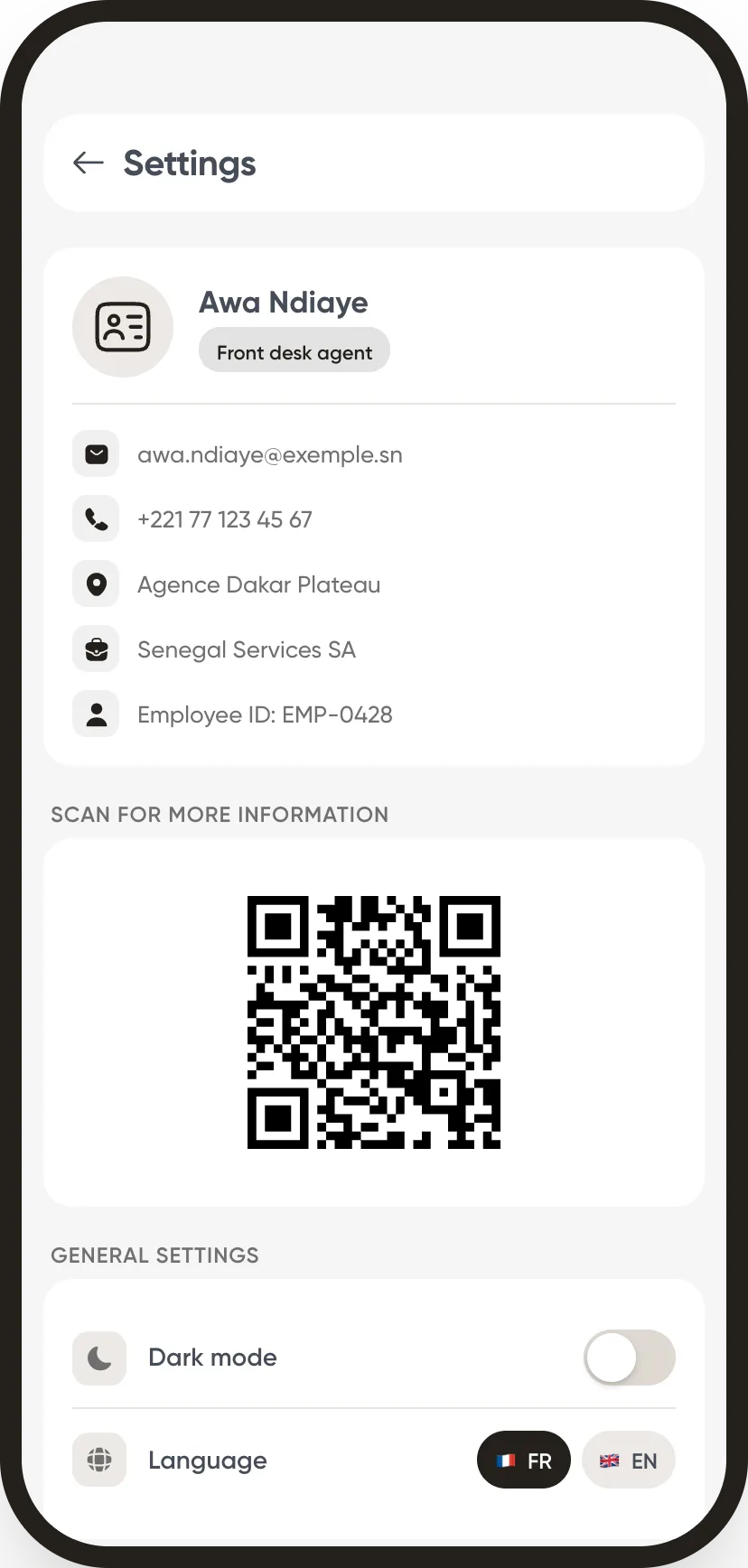
My profile, my badge, my settings
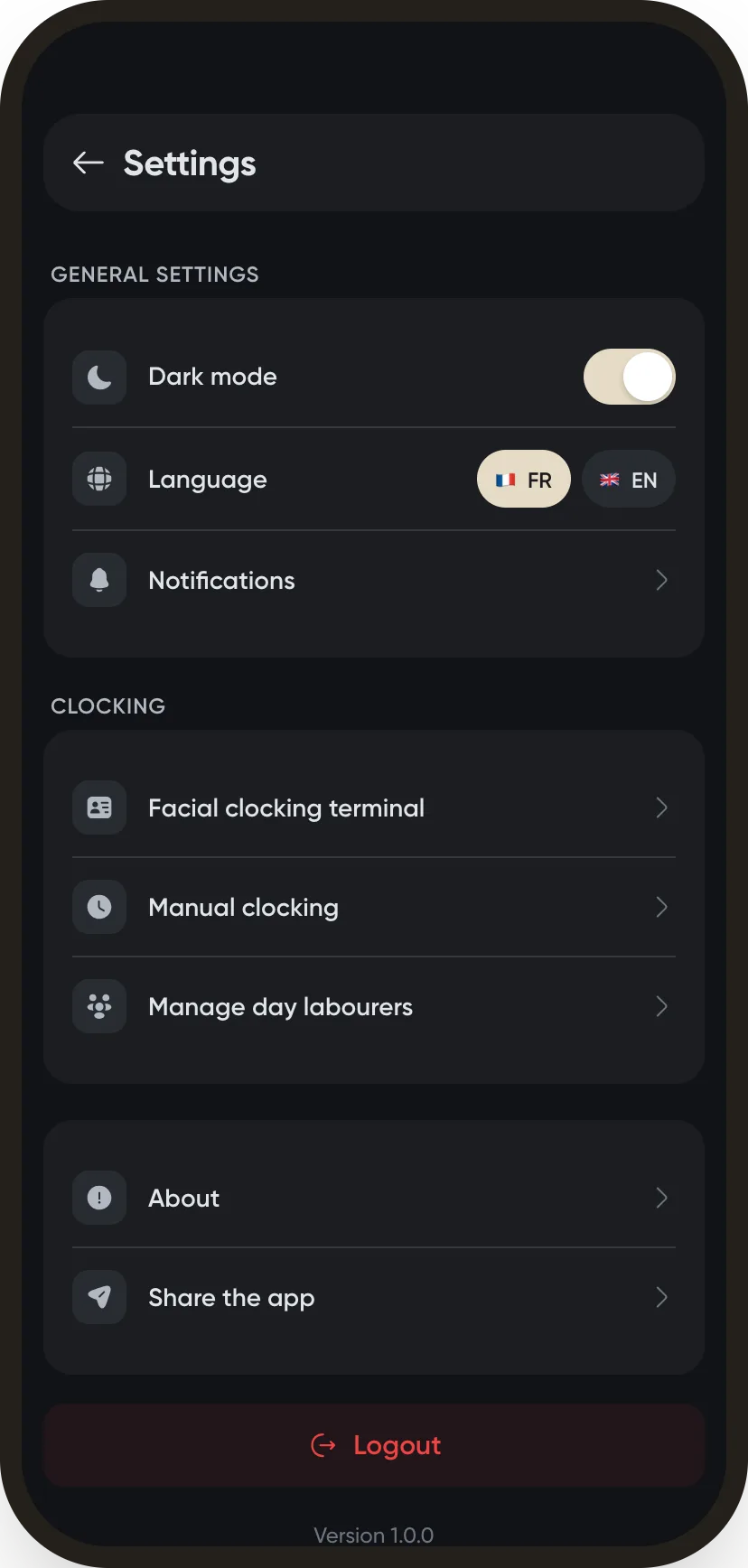
My record and my QR badge live in the app. I pick my language, French or English, and dark mode for night shifts.
Step 12/Timekeeper tools
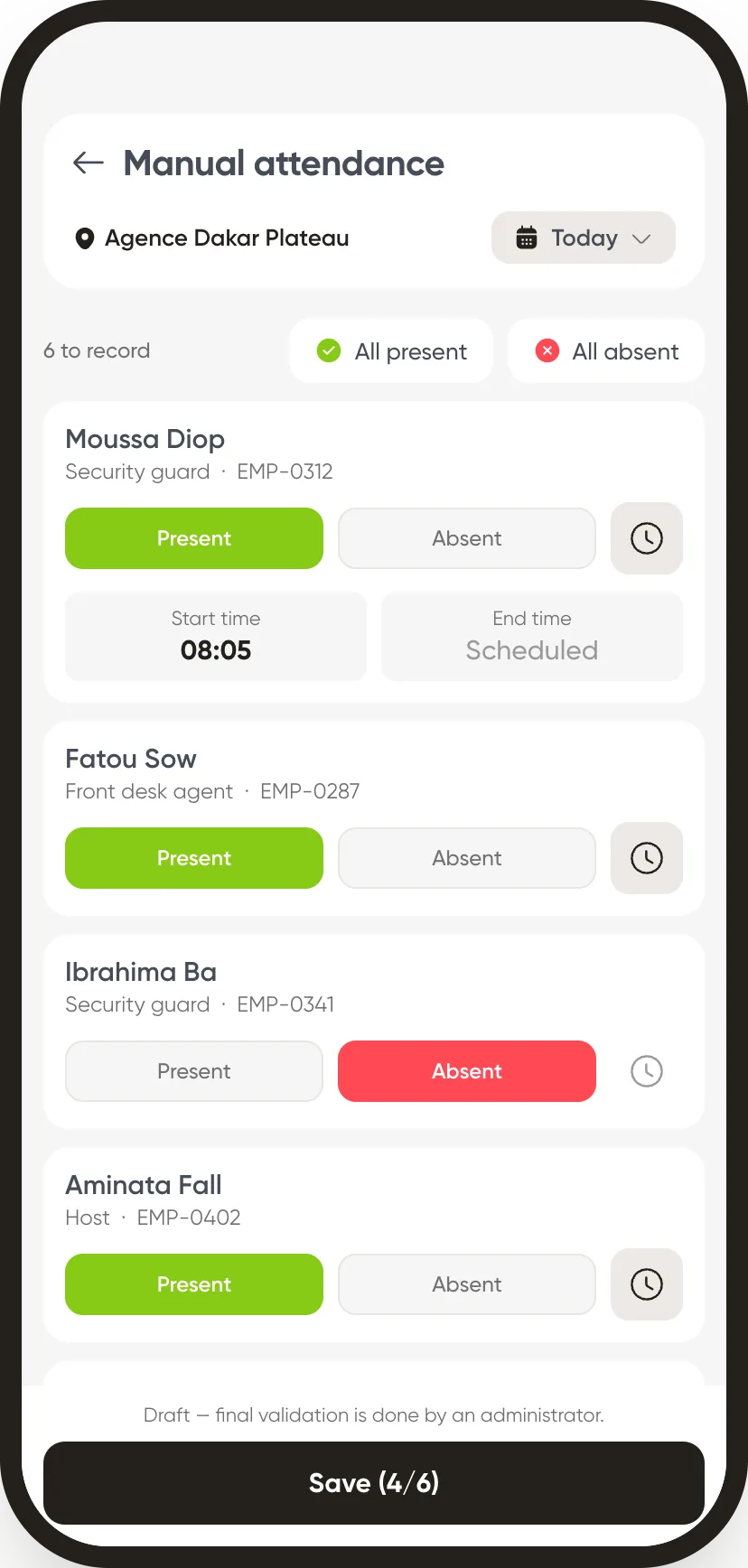
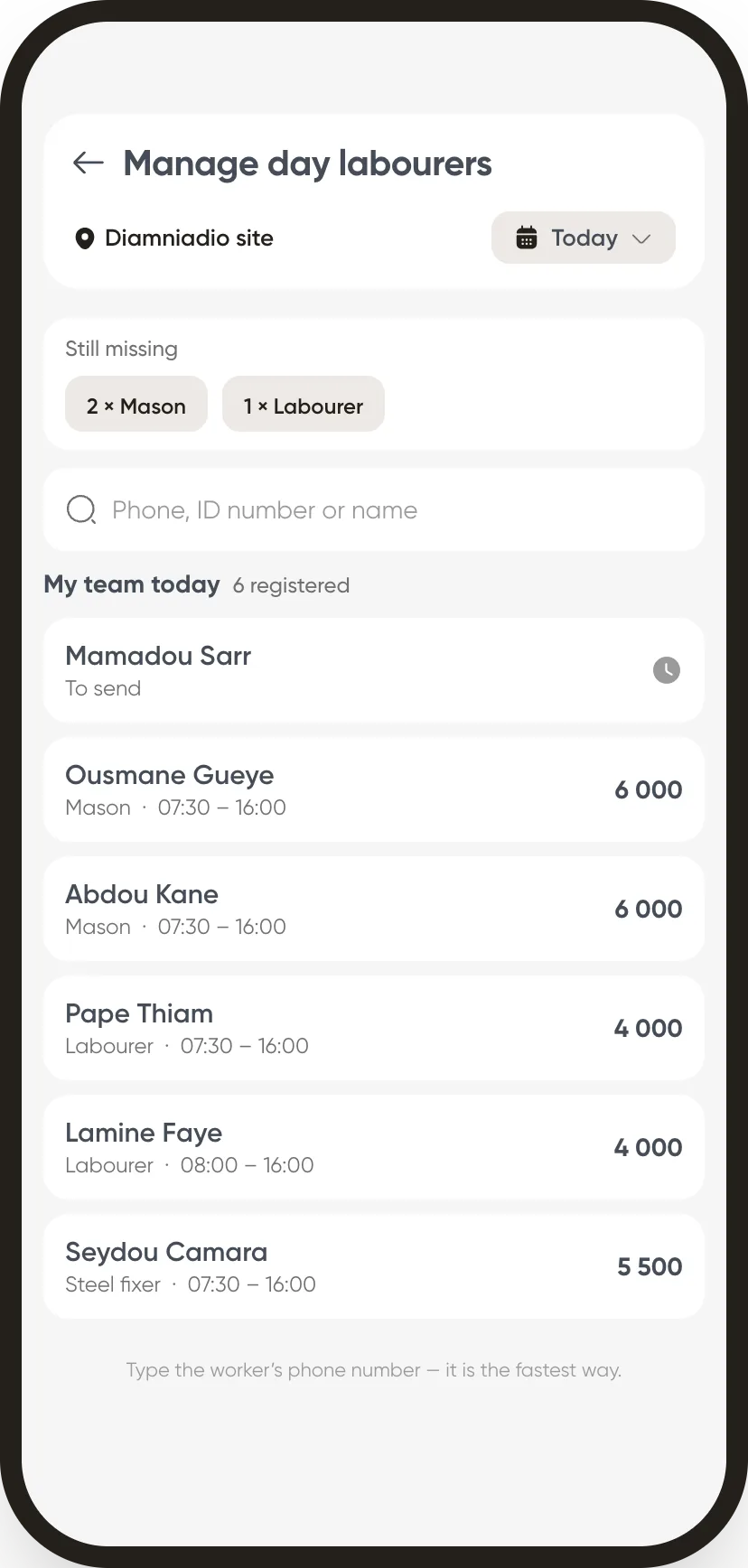
I clock my team in, day labourers included
One sheet per site: present, absent, hours. Day labourers are registered with their daily rate.
The whole journey, one single app
Clock-in, schedules, absences, forms, documents, approvals and payroll: Weplanify brings your field teams’ workday into one app, in French and in English.