Forms · HR requests
The employee asks from their phone, and knows at any time who has their request.
Each request leaves with its attachments, goes through the planned approvers, in order, and comes back with a decision. For a certificate, the document is attached on approval: the employee receives it in their documents.
Equipment, certificate or document, training, exceptional absence or lateness, report to HR
One or more steps, the manager, HR or named people
A refusal comes with a reason, and the employee receives it
On the ground, today
A spoken request, three reminders, no record
The employee travels to ask
For an employment certificate, they leave their site, go to the office, and come back for it two days later.
Nobody knows where the request stands
The team leader says they passed it on, HR says they never got it. The employee chases everyone.
A refusal with no explanation
The answer travels by word of mouth, with no reason. The employee comes back to ask why, or stops asking.
How it works
From the request sent to the document received
The circuit is set per form, from “Change who approves”. It is the same one as for leave and advances: your approvers have only one habit to learn.
Pick the form
The employee picks their request from the app or the web. They can also ask on behalf of someone else.
Attach the files
Photo of the worn equipment, proof for an absence: files are sent before the request enters the circuit, and the approver has them in front of them.
Go through the approvers
The employee’s manager, the head of their department, HR or named people, in one or more steps. Each one finds what is waiting for them in “To do”.
Remind, stand in
If nobody answers, the approver is reminded, then the request moves to their stand-in or to the next step, as you set it.
Decide
Approve, refuse with a reason, or ask for a change. A corrected request goes through the whole circuit again.
Hand over the document
For a certificate, HR uploads the document. It goes to the employee on approval, into their documents, and never if the request is refused.
The screens
Requests to handle, and a certificate on its way
HR filters what is to decide, documents to hand over, what is to correct, handled, refused or cancelled. Each request has its discussion thread, attachments included.
 WeplanifySC
| Employee | Request | Sent | State |
|---|---|---|---|
| Adja Diouf | Employment certificate | 06/10 | document to hand over |
| Mamadou Cissé | Equipment · vest and helmet | 07/10 | to decide |
| Awa Coulibaly | Training request | 08/10 | to decide |
| Serigne Mbaye | Exceptional absence | 09/10 | to correct |
A report to HR is confidential: only HR reads it, never the manager.
WeplanifySCEmployment certificate
Adja Diouf · front desk officer · for a bank file
- ✓Request sent06/10 · 08:14
From the app
- ✓Document uploaded06/10 · 11:30
Will go to the employee on approval
- •Human resources
Ndèye Fatou Sall
- Received in her documents
“HR requests” folder
The phone and the office
The employee asks and follows, approvers decide wherever they are
On the phone
The employee, and their approvers
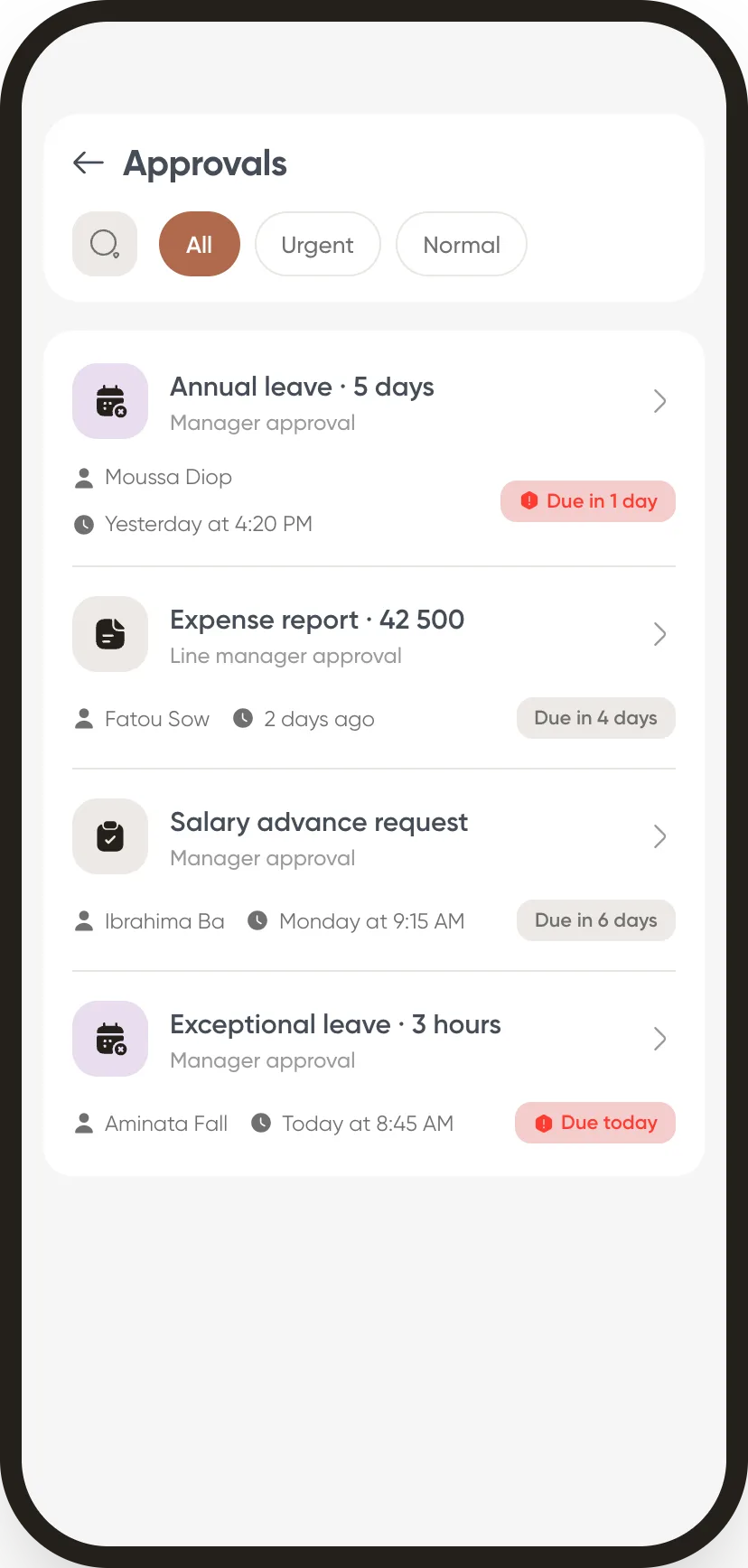
- “My requests”. To correct, in progress, finished, and the name of the person who has the request in hand.
- The document, without going to the office. The approved certificate arrives in their documents, with a notification.
- Approve on the move. A manager approves from their phone, with a note for the employee.
At the office
HR and the administrator
- Documents to hand over. A counter shows the requests still waiting for their file.
- The employee’s context. Next to the request: their current leave, advances and expense claims.
- Your own requests. Beyond the templates, you create a request form of your own, with its circuit, and choose whether it ends in a document.
What we do not claim to do
The certificate is not written for you
Weplanify does not produce the certificate: HR prepares and uploads it, and Weplanify makes sure it reaches the employee at the right time, and only them. The circuit decides who approves, not what is granted: the decision stays with your approvers.
The modules that go with it
Publish the certificate request to your team.
It is the most requested one: enough to see the circuit at work, from the phone to the document.