Feature · Time tracking
Who was actually there, with no hardware to buy.
Clocking in is only useful when it is compared to the schedule. Lateness only exists relative to a planned shift, and a night shift is not lateness.
A printed sheet on the wall and the employee’s phone are enough
No terminal required to get started
The gap between planned and actual, not at month end
The module in one line
Correcting matters as much as recording
Correct without erasing
Arrival, departure or break are corrected from the day’s detail, with a reason. The old time, the reason and who made the change stay in the history.
Manual entry
For a missed clock-in or a team without phones: tick the absentees, or clock in a whole shift from the planned hours, changing only the exceptions.
Face recognition
When it fails, the avatar carries a red ring and the captured photo is visible in the detail panel.
The day
The day’s list, employee by employee
One tab per situation (present, late, no clock-out, absent, off) and columns you add: break, lateness, overtime, early leave, span.
 WeplanifySC
| Employee | In | Out | State |
|---|---|---|---|
| Awa Ndiaye | 08:02 | 16:12 | clocked |
| Fatou Sow | 08:41 | 16:30 | 41 min late |
| Ibrahima Ba | – | – | absent |
| Abdou Cissé | 21:58 | 06:10 | night shift |
| Ndèye Faye | – | – | off |
A manager can view without correcting: they see the whole screen, only corrections stay closed to them.
WeplanifySC| Employee | Days | Worked | Missing |
|---|---|---|---|
| Awa Ndiaye | 26 | 208 h 40 | – |
| Fatou Sow | 22 | 171 h 15 | 4 h 20 |
| Abdou Cissé | 25 | 264 h 00 | – |
| Total | 73 | 643 h 55 | 4 h 20 |
Your payroll can stay where it is: the monthly report exports to Excel, with the columns you choose, for your current payroll tool or your accountant.
From the badge to the pay line
What happens between the clock-in and the payslip
A raw clock-in is worthless until someone has checked it against the planned schedule. In between sits a control step, and it is what separates hours from payable hours.
The middle step is the one people cut to save time, and it is precisely the one that stops you paying for hours nobody worked.
The field app
It works when the network does not.
An app in the employee’s hand: they clock in, check their schedule, file requests, fill in reports and collect their documents. On a worksite with no signal as much as at a pharmacy counter.
An offline clock-in is not a lost clock-in. It is kept on the device and sent by itself as soon as the connection returns. Forms too: a site report is filled in and submitted with no signal.
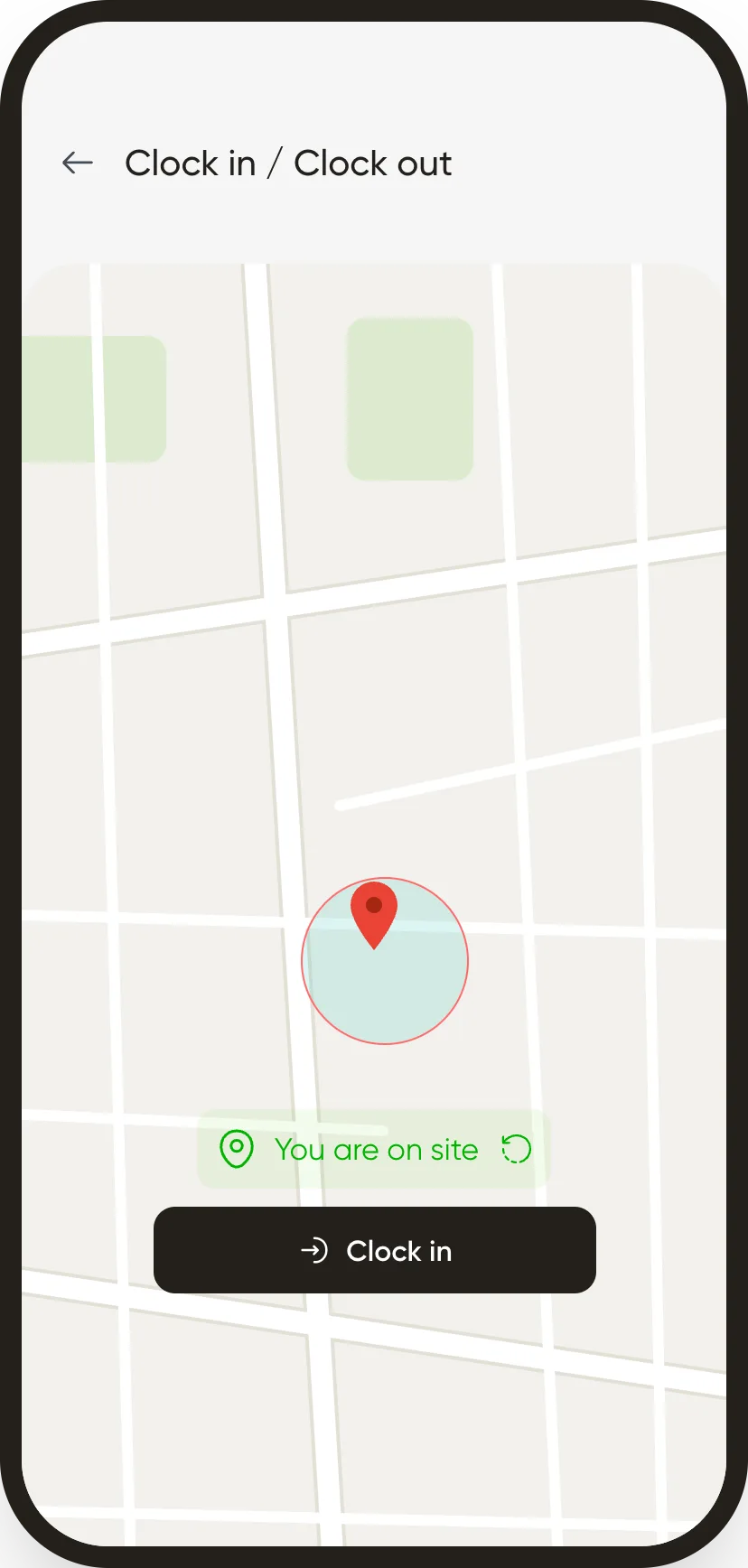
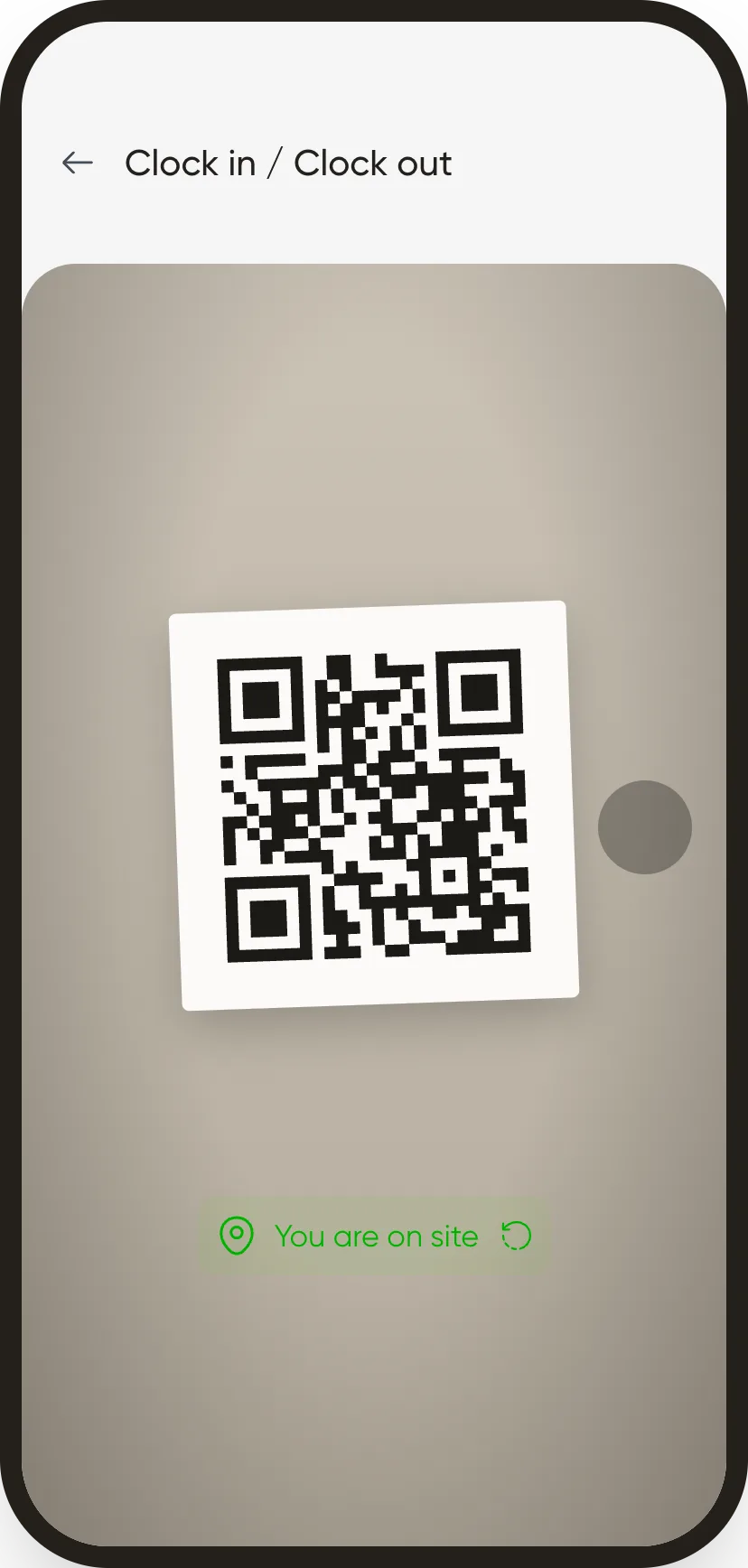
One mode per employee, set on their record. QR code, geolocation or face recognition. Every employee also has a QR badge, printed from their record. And a timekeeper can clock in their whole team.
No biometric data stays on the phone. The photo is checked on our servers, not on the device: nothing is compared or stored there. That is the first question a staff representative asks.
Everything else happens there too. The week’s schedule with its tick-off tasks, the leave request and its approval chain, PDF payslips, and the expense claim that starts from a photo of the receipt. Those are the questions that occupy an HR desk, and they stop arriving.
In detail
What time tracking can do
Clock-in QR code
Downloadable as a PDF, with a three-step wall notice to display.
Multi-site
Each site gets its own daily screen; management gets one summary.
Overtime
Day, night, special day and special night, only for the employees it applies to.
Weekly grouping
Collapsible week rows, each with its own totals.
Excel export
The monthly report as shown on screen, with your columns. It is what you hand to your current payroll tool.
Individual report
One employee, day by day, with their record header: enough to answer a dispute.
Password-free sign-in
A phone number, a code by SMS. Plus a fallback code from the manager when the SMS does not arrive (it happens).
Forgotten clock-outs caught
One tab gathers arrivals with no clock-out, and the clock-outs are added in one go, at the planned time. The monthly report flags any left before payroll.
The non-negotiable rule
One calculation, from screen to payslip
Lateness, overtime, days of absence: each figure is calculated once, then carried as is into the report and into payroll. Two calculations of the same figure always end up diverging. With one, what you see on screen is what payroll pays.
The other modules
See time tracking in your industry
Have one team clock in for a week.
You will see the gap between the schedule and reality by the second day.