
Weplanify Support
Guides and tutorials to help you use Weplanify.
How to Grant Administrator Access to an Employee in Weplanify
Weplanify allows you to assign Manager or Administrator access to an employee so they can log in to the web platform and help manage your organization. This feature is…
How to create a site on the Weplanify web platform
In Weplanify, creating sites is an essential step for ensuring efficient employee management and better organization of internal company structures.
How to Use Advanced Filters in Weplanify
As your organization grows, finding specific employees or information can become more difficult. Weplanify’s advanced filters allow you to quickly search and refine data by…
How to Import Employees into Weplanify
Weplanify allows you to import multiple employees at once using an Excel file. This feature saves significant time by avoiding manual employee creation one by one. The import…
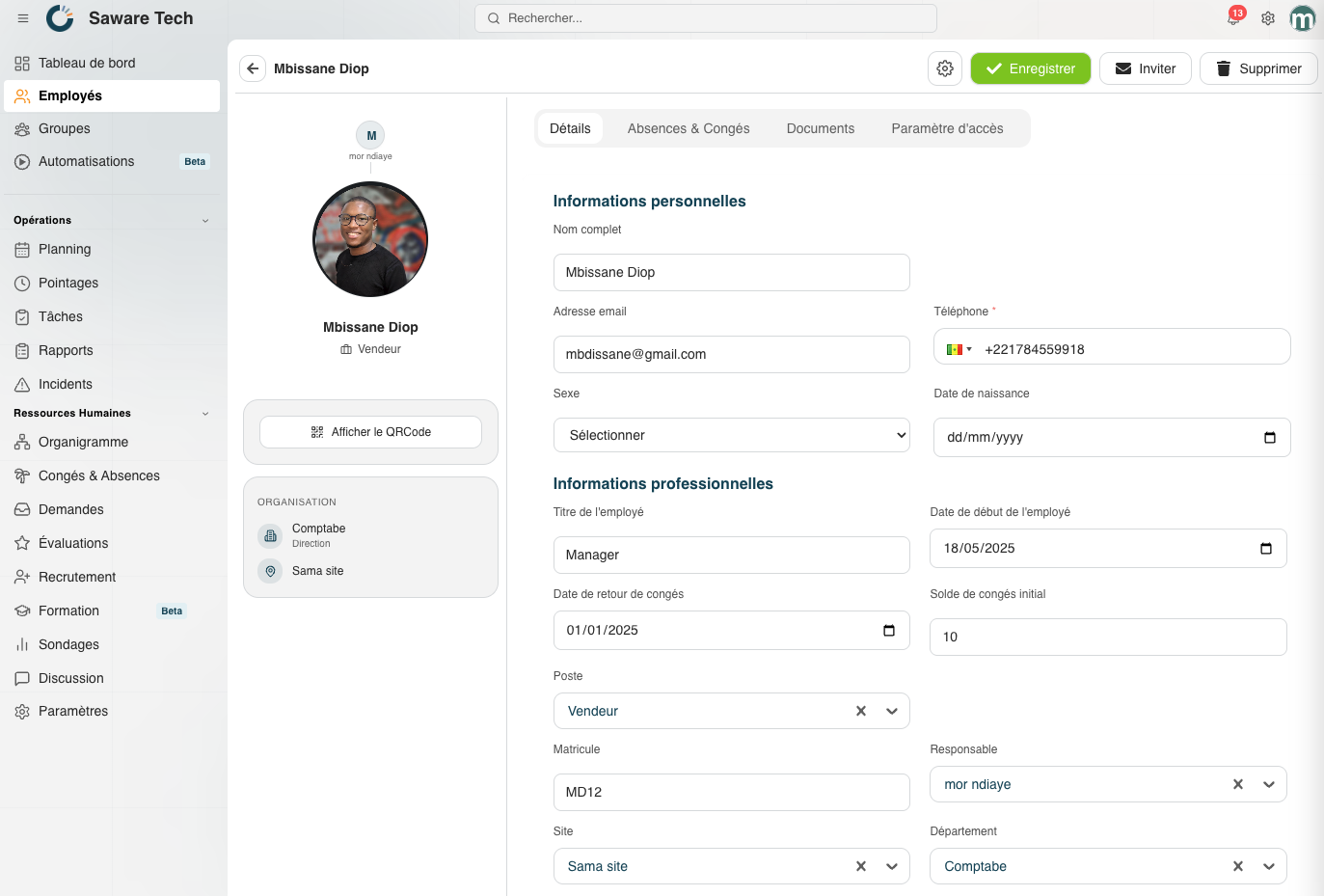
How to Add a New Employee
Manually add a new employee in Weplanify to integrate them into schedules, attendance tracking, evaluations, tasks, and other HR modules within your organization. If you want to…
Why you can’t directly use the Weplanify mobile app
One of the most common mistakes made by new users of Weplanify is downloading the mobile application directly from the app store and trying to log in immediately. In most cases…
How to Use the Emergency Login Feature?
The emergency login feature plays an essential role, as SMS verification code delivery issues can occur unpredictably. It allows users to continue accessing their account even…