
Weplanify Support
Guides and tutorials to help you use Weplanify.
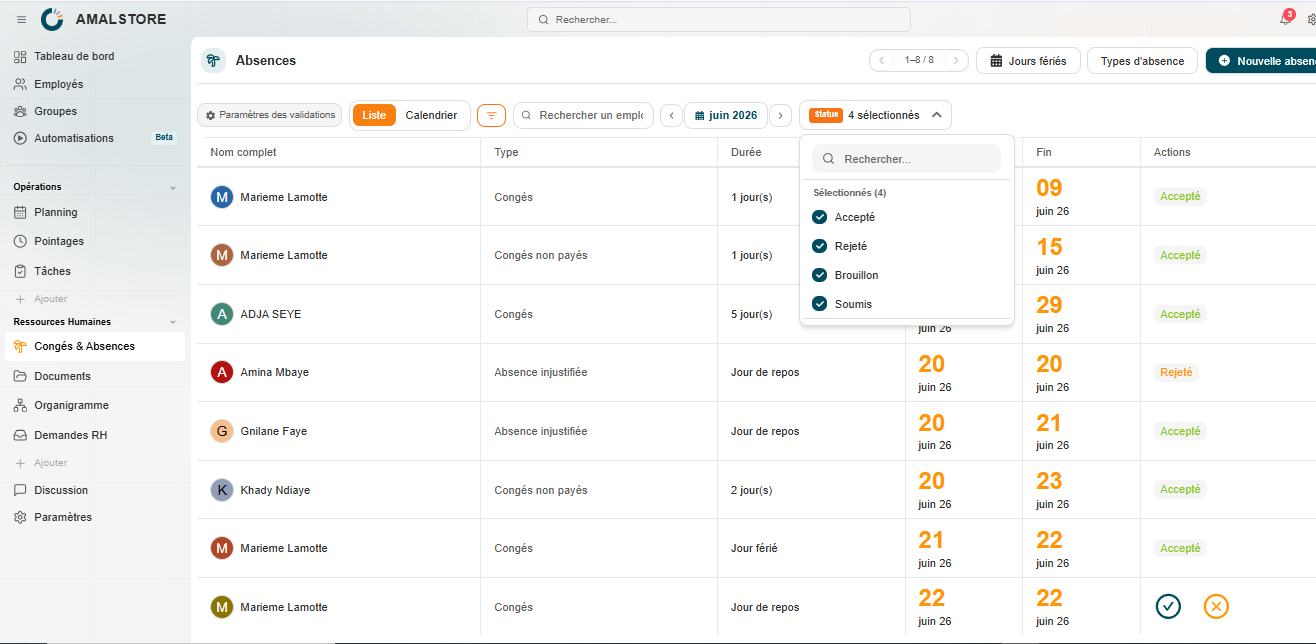
Tracking and approving leave and absence requests
This module enables managers to monitor staff leave requests in real time.
How to create a leave request from the mobile app?
In this module, you will find the information you need to create and submit requests for time off and/or vacation.
Configuring the workflow approval process on Weplanify
The approval workflow defines who must approve a leave request and according to what rules.
How to set up absence types on Weplanify
Before you can create requests, you must define the different types of absences available at the company.
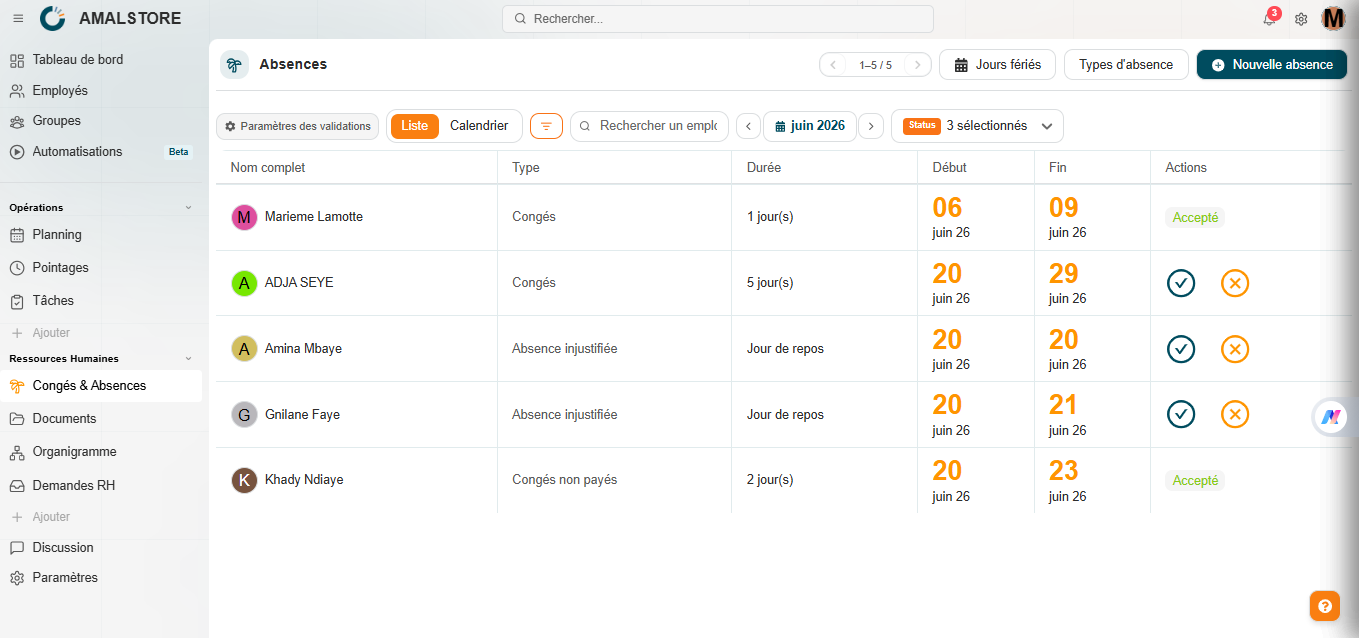
Managing leave and absences on Weplanify
Weplanify's Leave & Absences module allows you to centralize the management of all employee leave requests: configuring leave types, setting up an approval workflow, managing…
The benefits of centralising HR documents
Weplanify provides a dedicated document repository for every employee in your organisation. All files are stored in one place, making it easier to view, manage and update HR…
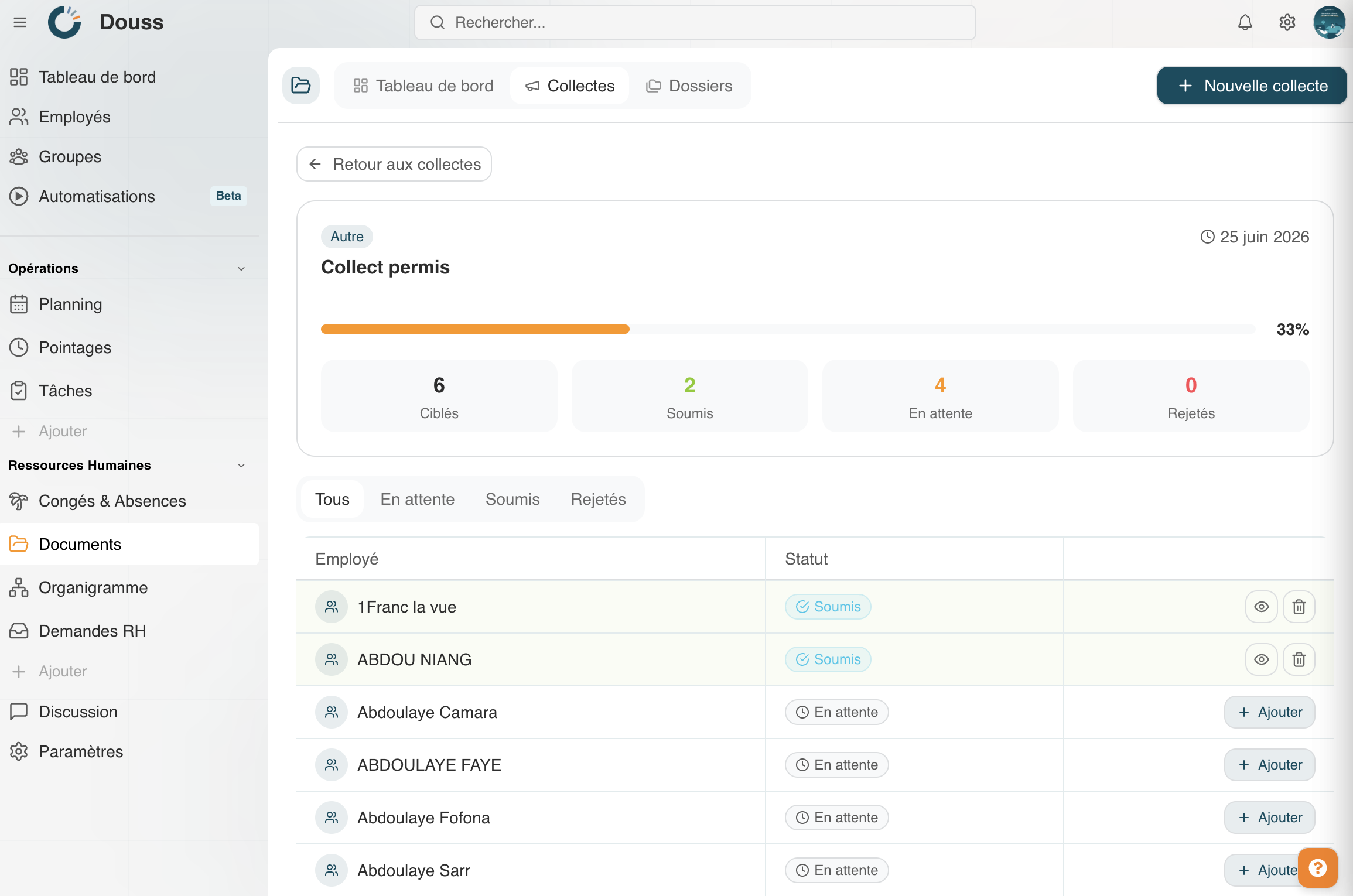
Understanding HR document collections
The “Collections” tab allows you to launch document collection campaigns targeting your employees or entire groups, track responses in real time, and automatically send reminders…
Managing and organising HR document folders
The Folders tab allows you to create and organise themed filing areas to group your HR documents. Unlike the default categories found in employee profiles, the folders here are…
Reading and understanding the Documents dashboard
The Dashboard is the home page of the Documents module. It gives you an instant overview of your organisation’s document status, without having to navigate through every folder or…

Understanding the HR Documents module
The Weplanify Document Module is the centralised hub for managing all your organisation’s HR documents. It allows you to store, organise, collect and track all administrative…
How to upload a document to Weplanify?
Upload your employees’ documents in just a few steps.
How do I access my account?
All you need to know to get started with WePlanify