
DocumentationDay labourers
Manage day labourers: arrivals, days and payments
In Weplanify, follow the workers paid by the day: need announced, arrivals on site, validated day, then payment in cash or by mobile money too.
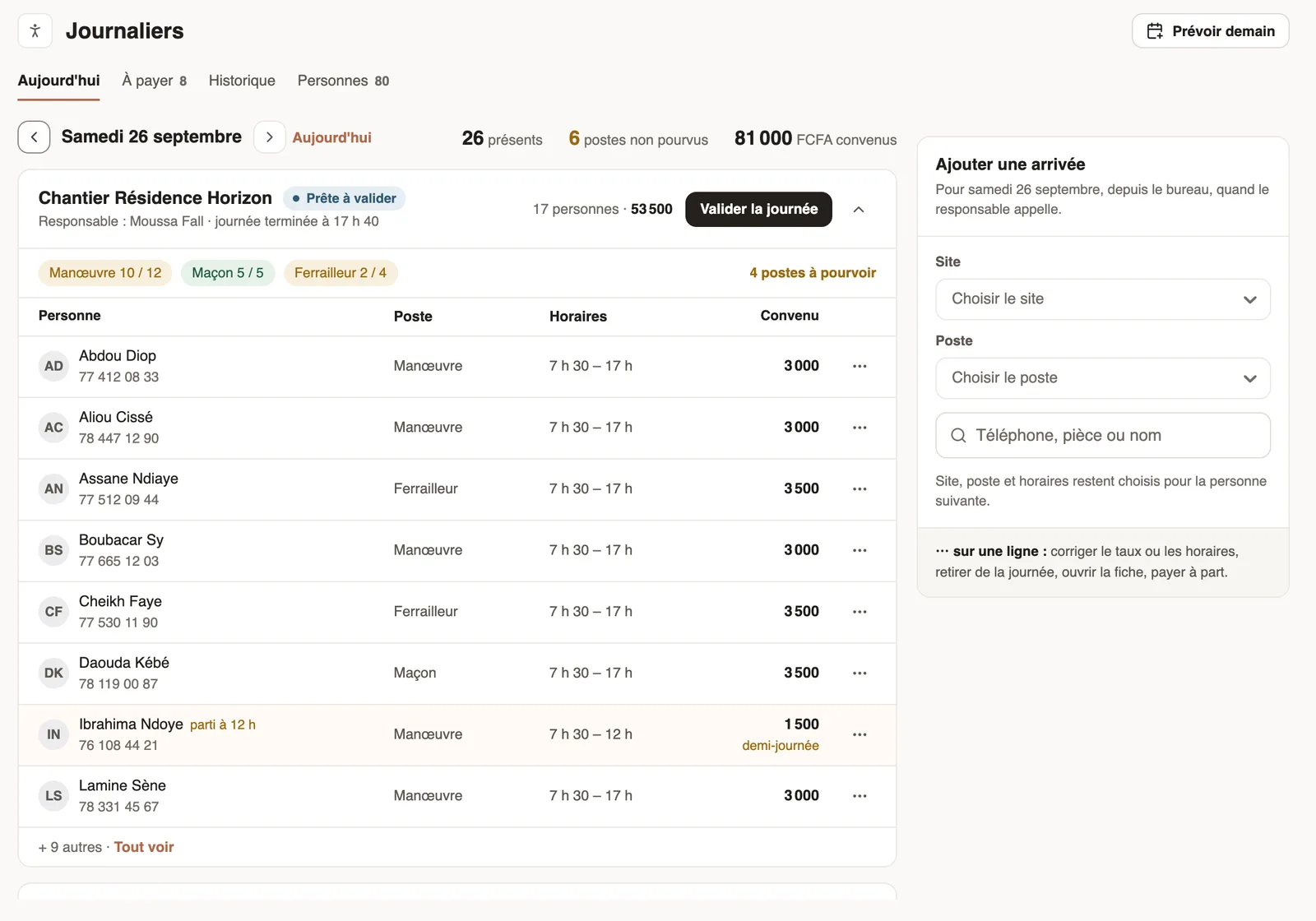
In Weplanify, a day labourer is a person paid by the day, without an employee contract. The Day labourers screen (Time menu) follows each site, day after day.
Steps
- The day before, announce the need with Plan tomorrow.
- In the morning, the site manager records the arrivals on their phone, or the office adds them.
- In the evening, they finish the day: departures and absentees.
- Validate the day: amounts are frozen and it moves to To pay.
- Pay one or several days and record the payment.
Good to know
- The People tab keeps the day labourer file (register a person, a day labourer's record).
- History gives the month's cost by site and by job.
- Employees clocked on these sites are not listed here: they are paid through their payslip.
Go further
Announce a need for day labourersIn Weplanify, announce in advance how many day labourers each site needs per job: the site manager sees the need and each arrival fills it in.The cost of day labourIn Weplanify, the day labourers' History tab gives the month's cash out by site and by job, compared with the previous month, and every day.Record a day labourer's arrivalIn Weplanify, record that a day labourer came to work, on which site, in which job and at what rate; the site manager often does it from their phone.A day labourer's record and hiring themIn Weplanify, a day labourer's record shows their days, what they were paid and what is still owed; a regular day labourer can be hired in one click.Register a day labourer in the fileIn Weplanify, register the day labourers who come back so that a phone or ID number finds them again, with their usual job and their usual rate.Pay the day labourersIn Weplanify, tick the validated days to pay together, see who gets what and how much cash to take out, then record the payment of those days.Finish the day labourers' day in the eveningIn Weplanify, the site manager finishes the day in the evening: who left early, who was absent. The day then becomes ready to be validated too.Validate a day labourers' dayIn Weplanify, validate a site's day to freeze what each day labourer is owed; the day then moves to the To pay tab, ready to be paid out in full.Manage day labourers from mobileRecord the day labourers who came to work on a site from the Weplanify app, with their position and daily rate.