
The emergency login code
In Weplanify, help out an employee who does not receive the mobile app sign-in text message with today's code, valid across the whole company.
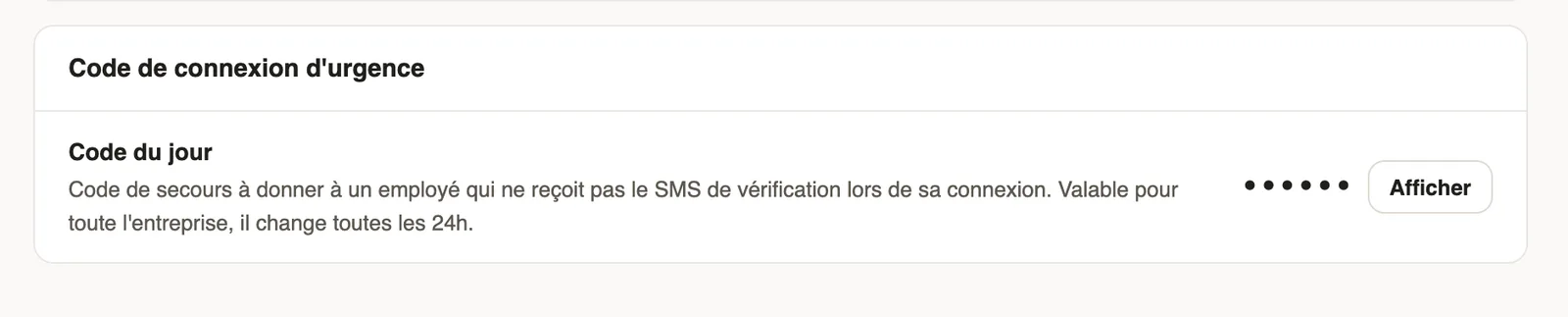
In Weplanify, the emergency code replaces the code received by text message when it does not arrive.
Steps
- Open Settings → Information, Emergency login code block.
- Click Show and give Today's code to the employee, by word of mouth.
- The employee types it instead of the text message code on the mobile app.
Good to know
- The code is valid for the whole company and changes every 24 hours.
- Only administrators can show it. Do not write it in a chat group.
Go further
Sign in to the mobile appHow an employee signs in to the Weplanify app with their phone number and a text code, and what to do if the code doesn't arrive.Company information, language and time zoneIn Weplanify, update the company's name, sector, address and phone number, the language used for notifications and the company's own time zone.Sign in to Weplanify on the web and on mobileIn Weplanify, managers sign in on the web with their email address, and employees sign in to the mobile app with their phone number and a code.