
DocumentationForms & requestsWeplanify forms: requests, reports and surveysRecruit: job offers and candidate tracking
Close, reopen or delete a job offer
In Weplanify, closing an offer shuts its application link without losing the candidates; an offer that has received no application can be deleted.
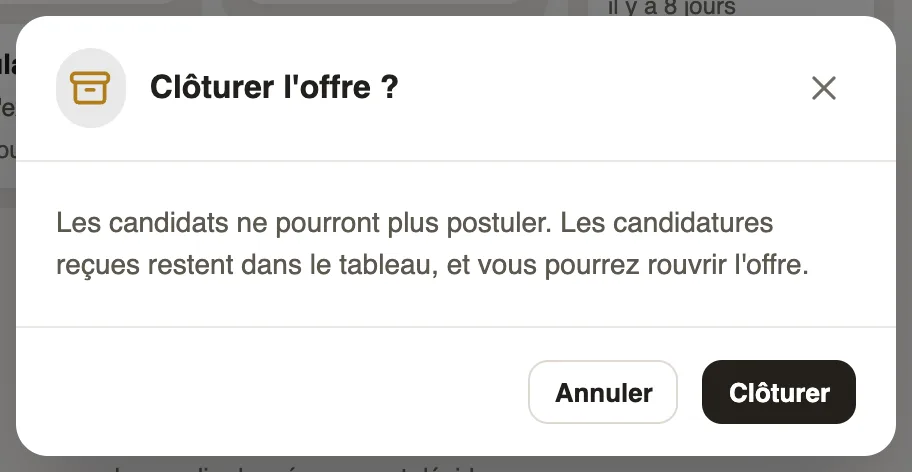
In Weplanify, a closed offer no longer takes applications: its link shows "Offer closed". The candidates received stay in the Candidates tab, and the offer can be reopened at any time.
Steps
- To close: open the offer, the … menu top right (or the Publication tab), Close the offer, then Close.
- To reopen: click Reopen the offer at the top of the closed offer's page; its link takes applications again.
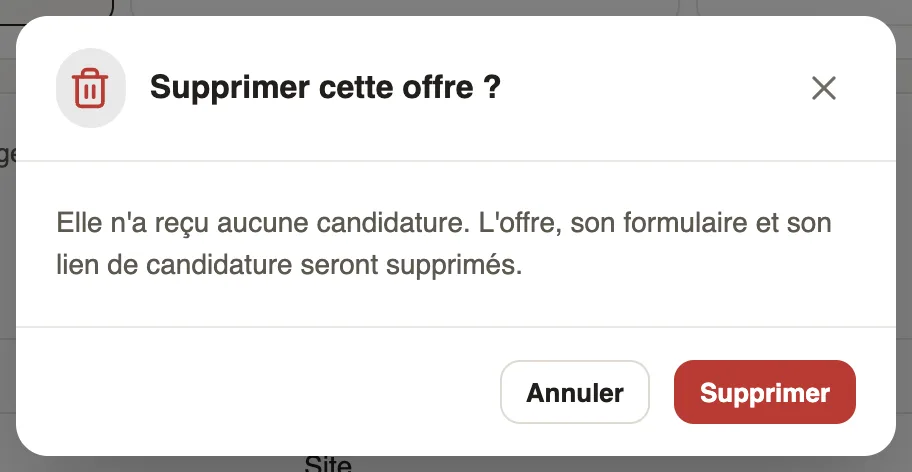
- To delete an offer that has received no application: … menu, Delete the offer, then Delete. You go back to the list of offers.
Good to know
- Delete the offer only shows while the offer has no candidate; after that, close it.
- Deleting removes the offer, its application form and its link: it cannot be undone.
- A past deadline also shuts the link, without closing the offer: a banner offers Change the date (publish and share).
- Closed offers are found with the Closed filter of the Recruitment screen.
Go further
Publish a job offer and share its linkIn Weplanify, publishing an offer opens its application link: copy it, send it on WhatsApp or by email, or print a poster with a QR code to scan.Recruit: job offers and candidate trackingIn Weplanify, Recruitment shows your job offers as cards: create an offer, share its link and follow every candidate from application to hiring.The job offer page and its tabsIn Weplanify, every job offer has its own page with five tabs: Candidates, The offer, Application form, Steps and Publication, plus its actions.