
Split time entries by clock
In Weplanify, a clock gives a site or a team its own separate list of time entries, visible only to the groups of employees that you choose.
In Weplanify, a clock groups the time entries of a set of employees. Staff time entries (Global badge) exists by default.
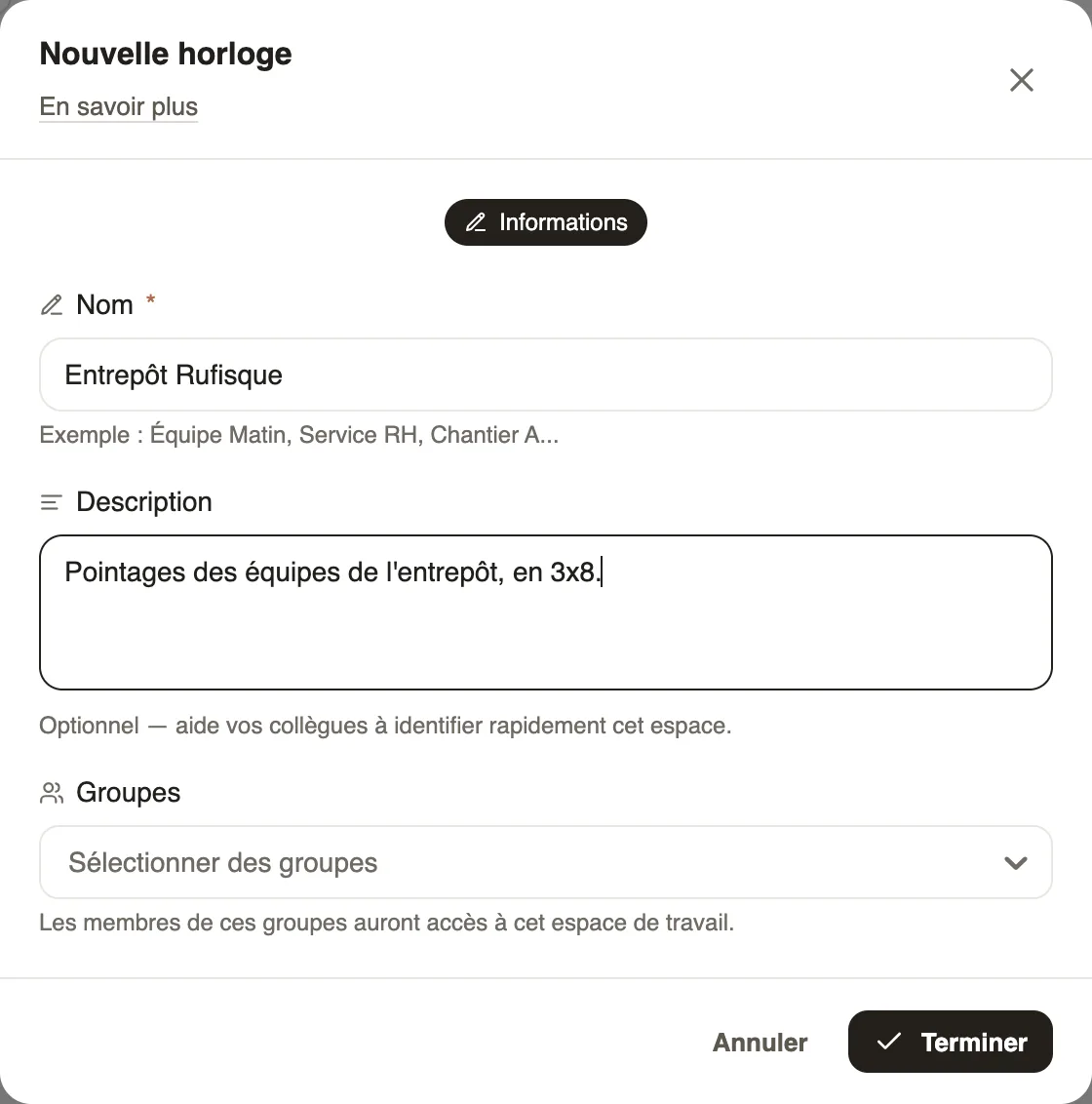
Steps
- Click the clock's name, at the top next to Day / Monthly report, then New.
- Give a name (for example "Rufisque warehouse") and a description.
- Choose the groups that can view and manage these time entries, then Finish.
Good to know
- The same menu switches from one clock to another.
- It works like the planning workspaces.
Go further
Create and manage employee groupsIn Weplanify, a group brings employees together for planning, forms, approvals, bonuses and documents, and it also sets a manager's own scope.The planning's workspacesIn Weplanify, a workspace is a separate planning, per department or per site, with its own members, its own schedules and its own set of teams.