
Your subscription and payments
In Weplanify, see your plan and your next billing date, change your plan, and find the history of your payments and your invoices in one place.
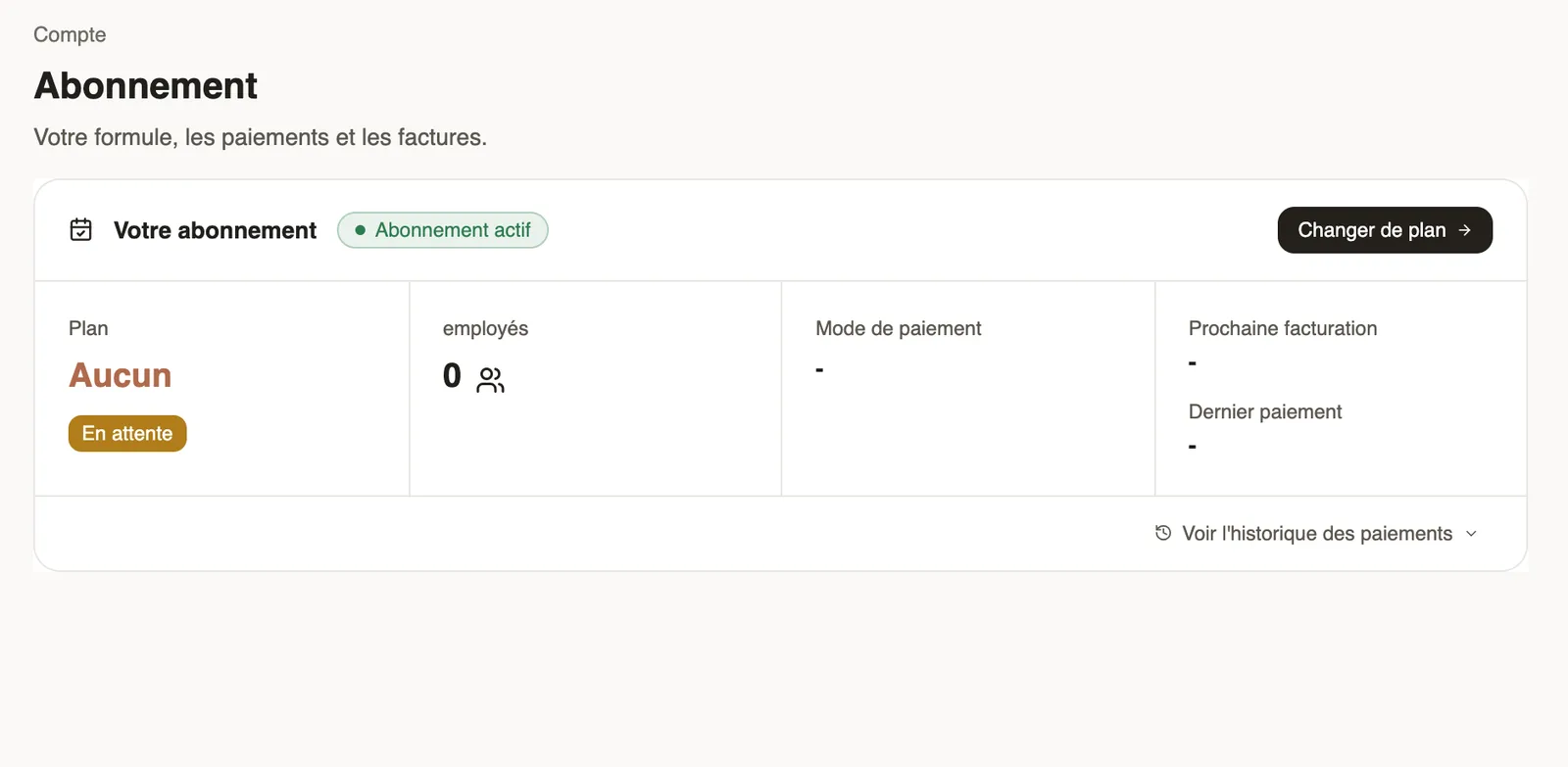
In Weplanify, the Settings → Account → Subscription page sums up your plan and your payments.
Steps
- Open Settings → Subscription: plan, number of employees, payment method, next billing and last payment.
- Click Change Plan: choose monthly or yearly billing, the currency and the plan, then Continue to payment.
- Open View payment history to pay an instalment or download an invoice.
Good to know
- Moving to a higher plan is immediate, prorated; moving to a lower plan takes effect at the next renewal.
- During the free trial, a banner shows the days left.
- If the subscription expires, access is blocked until payment; a reminder shows on the dashboard before the due date.
Go further
The Weplanify dashboardIn Weplanify, the dashboard sums up your activity: the period's figures, costs, items to handle, payroll progress and today's attendance at a glance.Your company settings in WeplanifyIn Weplanify, settings are sorted by theme in a menu on the left: company, approvals, expenses, time and attendance, leave, payroll and account.