
Leave a note on the planning
In Weplanify, leave an instruction on a period or a site, such as a stocktake, a visit or a closure, visible to everyone who opens the planning.
In Weplanify, planning notes remind an instruction to whoever prepares or checks the week.
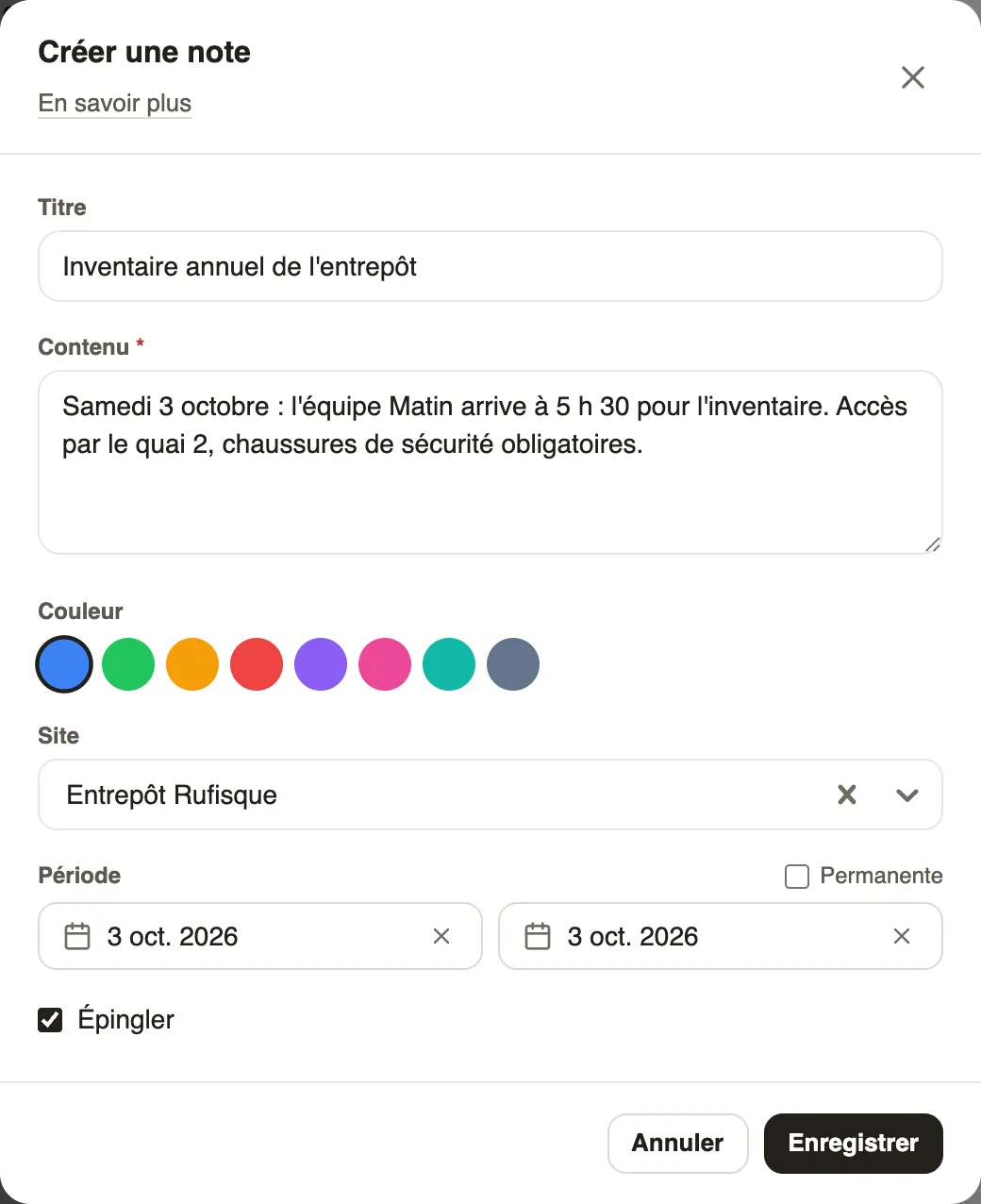
Steps
- Open the alerts panel (ⓘ icon), Notes tab.
- Click Add a note.
- Fill in the title, content, colour and site; untick Permanent to choose a period.
- Tick Pin to keep it on top, then Save.
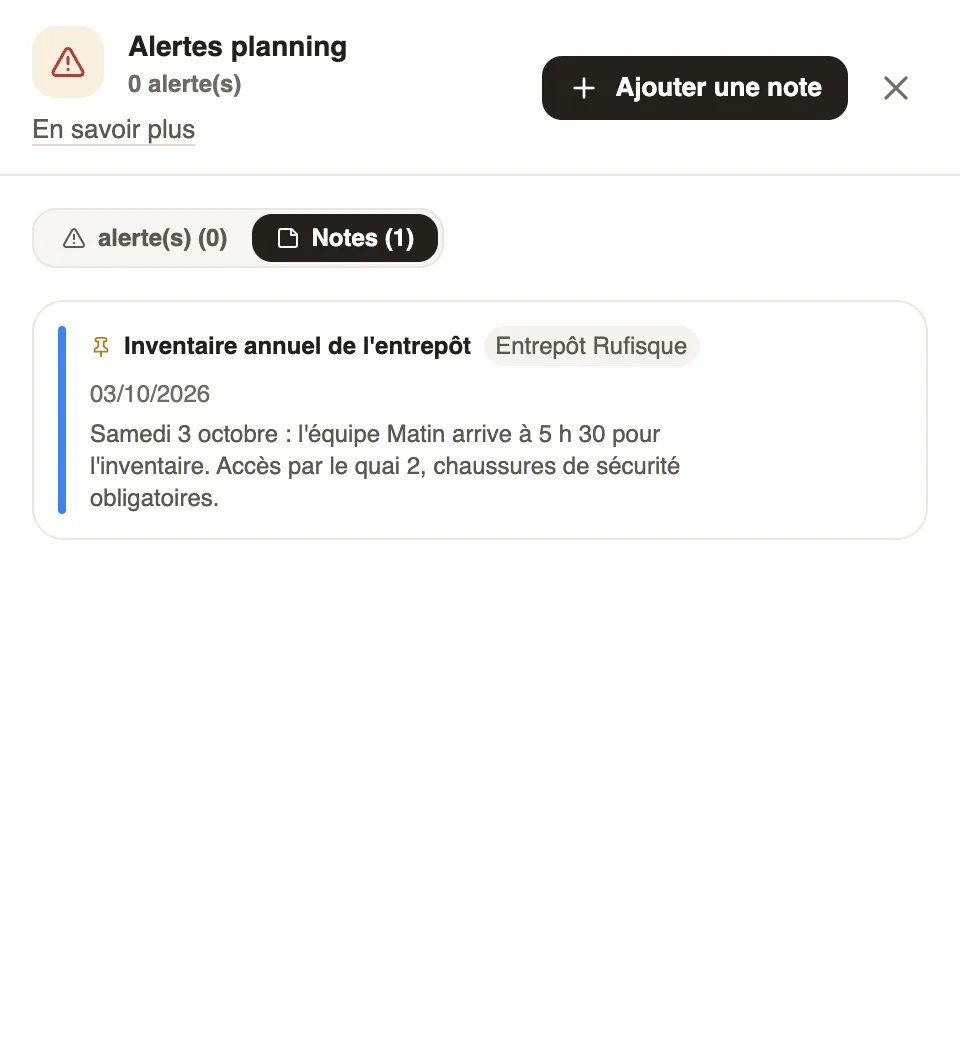
Good to know
- A note limited to a site only shows when that site is displayed.
- The number of notes shows with the alerts, above the grid.