
Choose how an employee clocks in
In Weplanify, each employee clocks in one way only, chosen on their record: by scanning the QR code, by geolocation or by facial recognition.
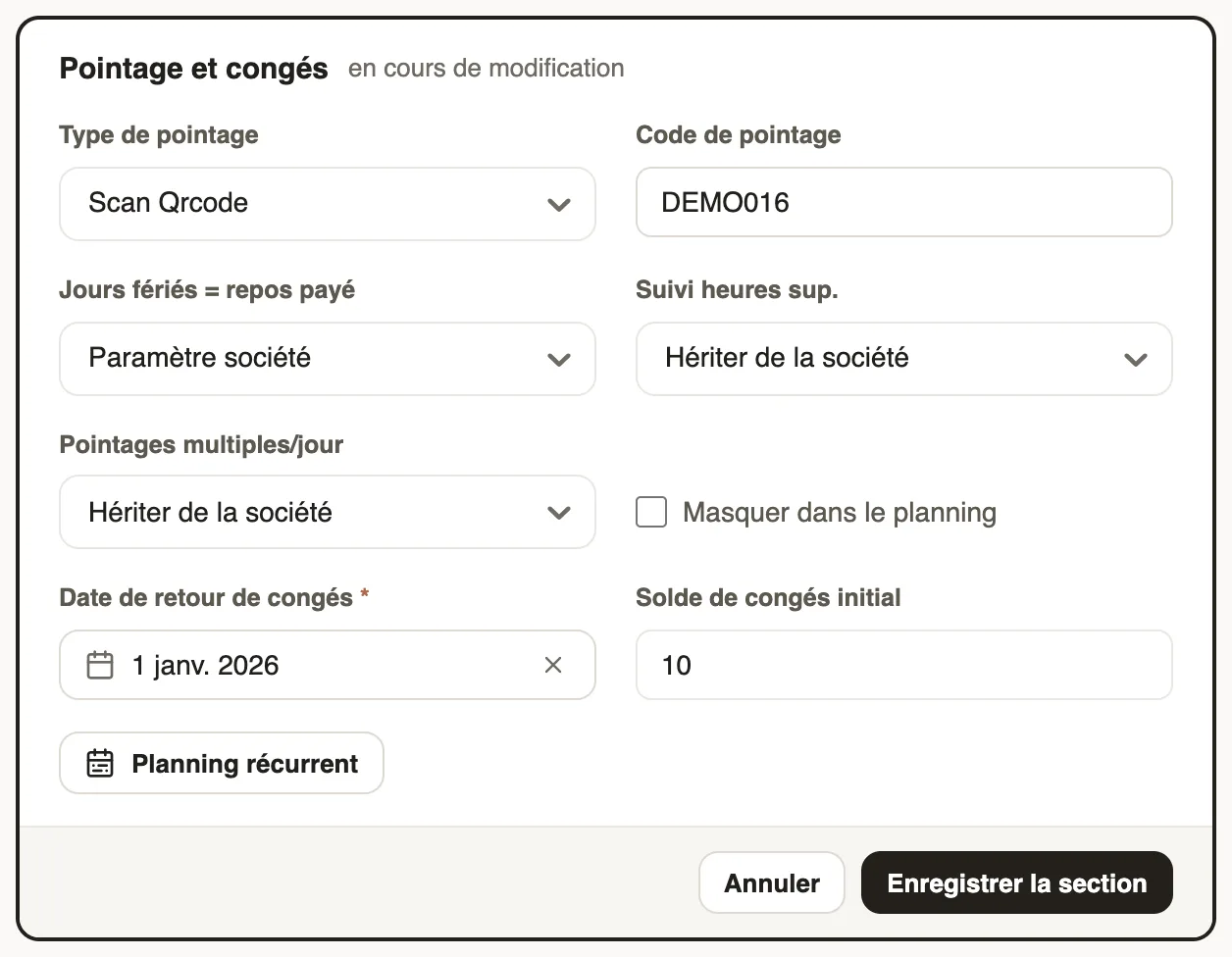
In Weplanify, the clock-in type is set in the Time tracking and leave section of the employee record.
Steps
- Open the record, Information tab, then Edit in Time tracking and leave.
- Choose the Attendance type: QR code scan, facial recognition or geolocation.
- Check the Attendance code, used for their badge, then Save section.
The site QR code
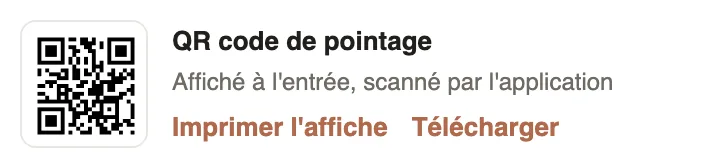
The clock-in QR code is printed from the dashboard's Attendance today card: employees scan it with the app.
Good to know
- A clock-in made outside the site's area is flagged in the list ("Clocked away from the site: see on the map"); the area is set on the site.
- To have your agents' QR badges made: QR badges.
- Tick Attendance manager so that an employee can clock in for their team.
Go further
The employee recordIn Weplanify, the employee record brings together everything about a person in five tabs, with sections that you edit one at a time, separately.Clocking in with facial recognitionIn Weplanify, facial recognition compares the photo taken at clock-in with the employee's profile photo; here is what to do when the check fails.Print the clock-in QR codeIn Weplanify, print from the dashboard the clock-in QR code poster, to put up at the site entrance so that employees can clock in with their phone.Create and set up a siteIn Weplanify, declare your workplaces, their geolocation clock-in area, their time zone and their own overtime rules, one site at a time here.Have your agents' QR badges madeIn Weplanify, give your badge supplier a single link to download the clock-in QR codes of all your agents, without exporting them one by one.Clock in your site's employees (timekeeper)Let a site manager mark expected employees present or absent on their site from the Weplanify app.An employee's clock-in settingsIn Weplanify, the Time tracking and leave section of the record sets how the employee clocks in and what, for them alone, differs from company rules.Employee time clockIn Weplanify, the Time entries screen shows, day by day, each employee's arrival and exit against what was planned, and what is left to fix.