
Company information, language and time zone
In Weplanify, update the company's name, sector, address and phone number, the language used for notifications and the company's own time zone.
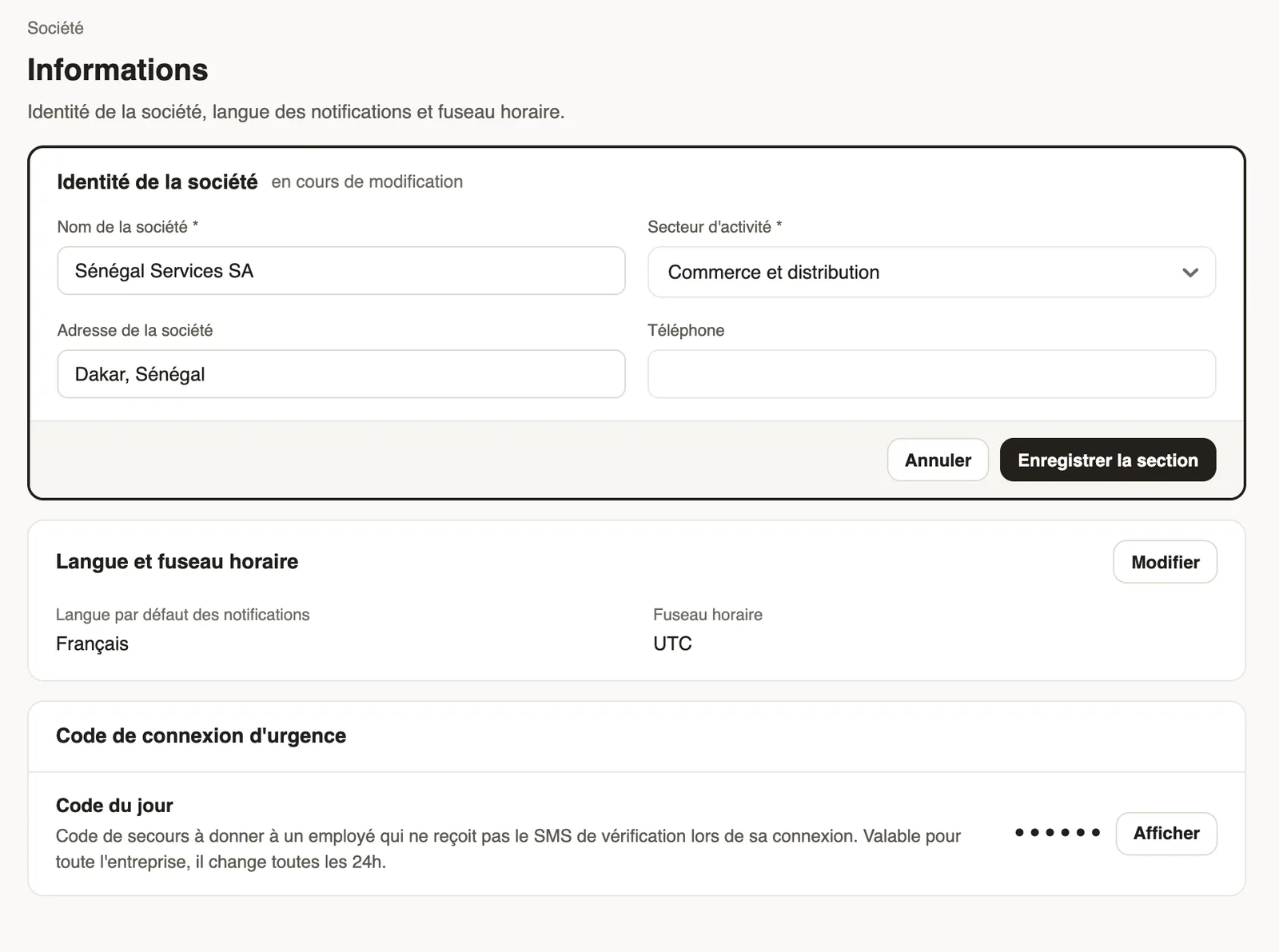
In Weplanify, the Settings → Company → Information page shows in read mode; each block switches to editing with its Edit button.
Steps
- Open Settings → Information.
- In Company identity, click Edit: company name, industry, address and phone.
- In Language and time zone, choose the default language of notifications sent to employees and the company's time zone.
- Click Save section.
Good to know
- A site can have its own time zone.
- The emergency login code is on the same page.
- The sector chosen when creating the account shows here.
Go further
Create and set up a siteIn Weplanify, declare your workplaces, their geolocation clock-in area, their time zone and their own overtime rules, one site at a time here.The emergency login codeIn Weplanify, help out an employee who does not receive the mobile app sign-in text message with today's code, valid across the whole company.Create your Weplanify workspace with the wizardIn Weplanify, the setup wizard creates your company in five steps: company, business and jobs, working hours, modules, then getting started.Your company settings in WeplanifyIn Weplanify, settings are sorted by theme in a menu on the left: company, approvals, expenses, time and attendance, leave, payroll and account.Getting started with WeplanifyIn Weplanify, the web is for managers and the mobile app is for employees: here is where to start, from creating the account to the first published schedule.