
Set safeguards on payroll amounts
In Weplanify, get an alert when a computed amount falls outside a set range, and block the payroll closing until it is corrected, if you need to.
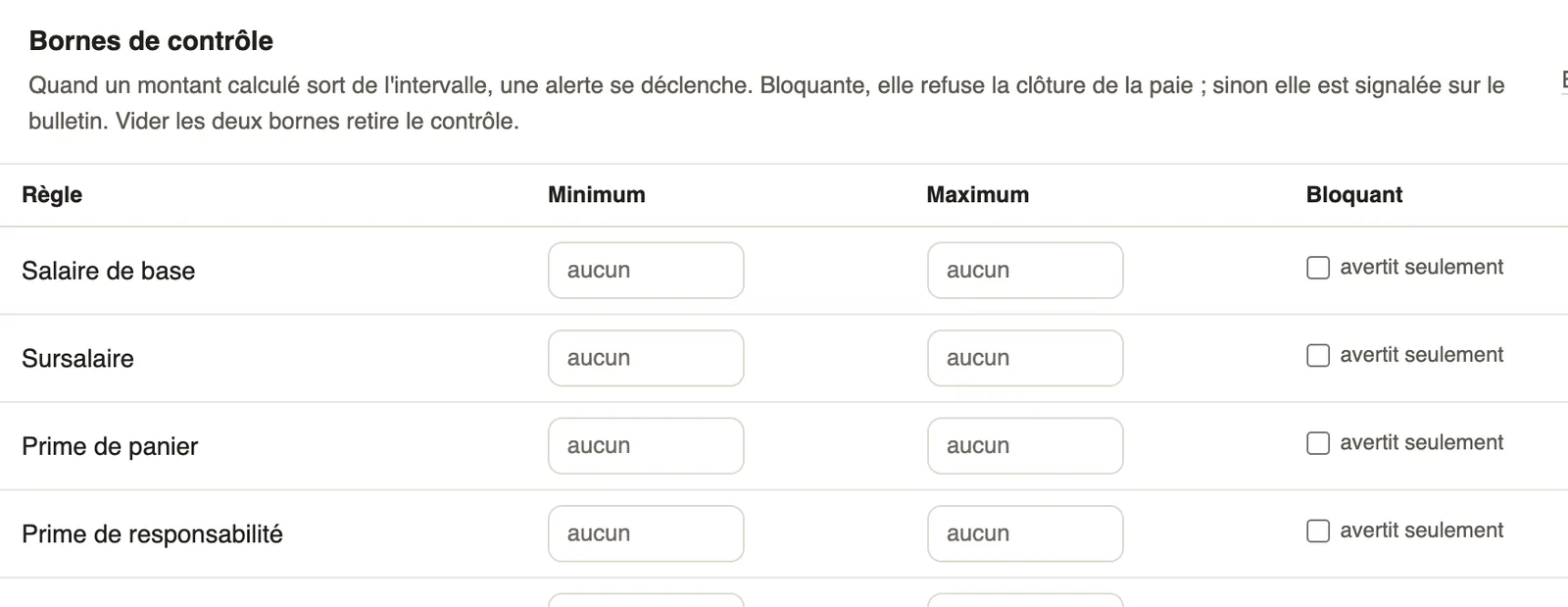
In Weplanify, a control bound compares each computed amount with a minimum and a maximum.
Steps
- Open Settings → Payroll → Pay elements, Control bounds table.
- On an item's row, enter a Minimum and/or a Maximum.
- Make the bound Blocking to refuse the closing until the amount is corrected; otherwise it only warns.
- Save.
Go further
Control payroll before approving payslipsIn Weplanify, the Control step lists what can make a payslip wrong: blocking points, variations to check and information, with the cause of each change.Close the month, pay salaries and declareIn Weplanify, closing locks the payroll month, publishes payslips to employees and prepares the next month; the step then helps you pay and declare.Set up the company's payrollIn Weplanify, payroll settings are in Settings → Payroll: installation, leave, contributions, control bounds and the accounts used by the accounting export.