
Prepare the annual salary statement
In Weplanify, the annual statement gives each employee's totals for the year, taken from approved payslips, ready for the year-end declaration.
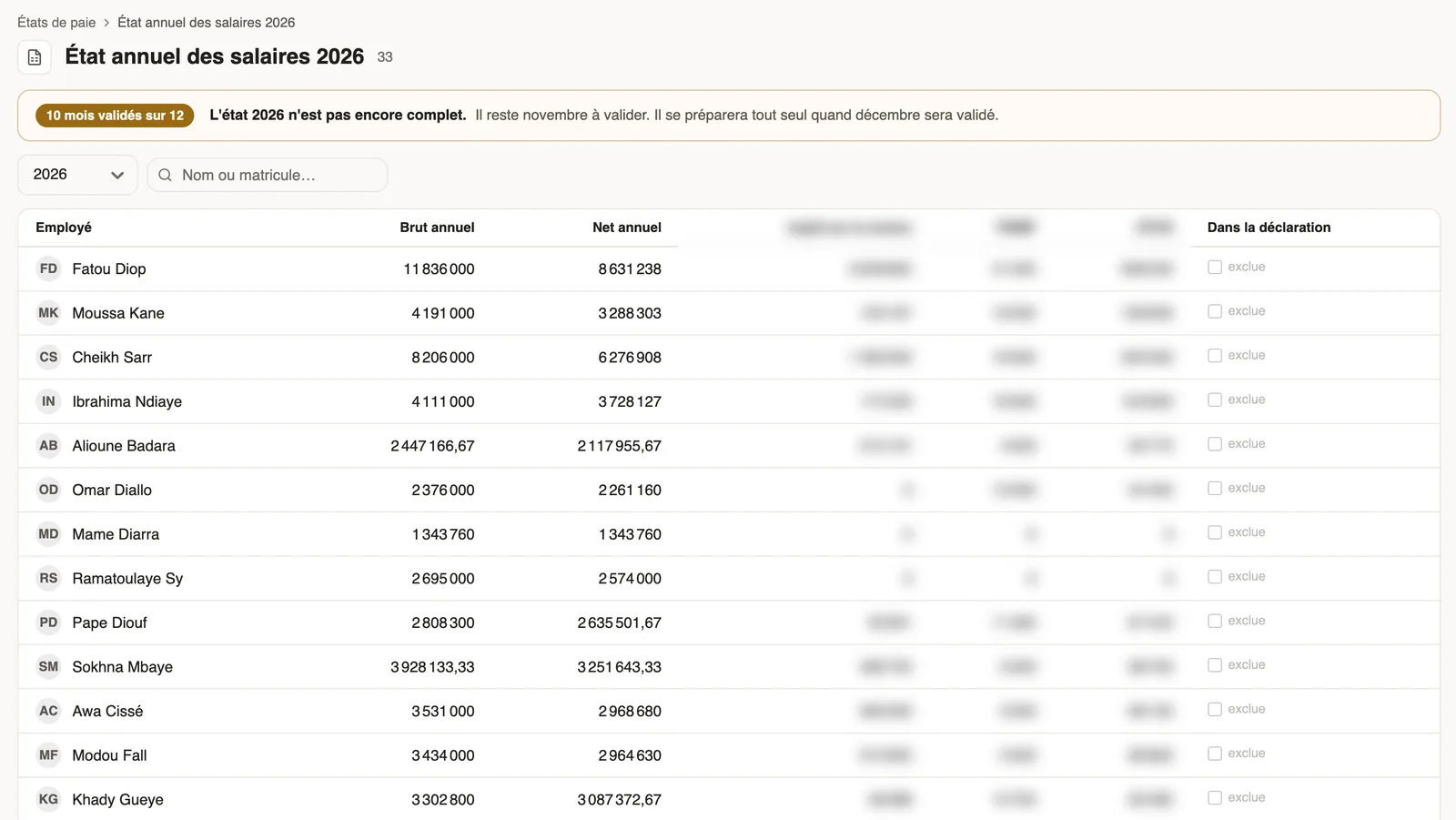
In Weplanify, the annual salary statement gives, for each employee, the year's gross, net, taxes and contributions, taken from approved payslips.
Steps
- In Payroll statements, Over the year block, open the annual statement.
- Pick the year: the banner says how many months are approved.
- Go through the list: annual gross and net, taxes and contributions withheld, and whether the person is In the declaration.
- Open Detail and payments to enter, month by month, the payment date, the form reference and the amounts paid over.
Good to know
- The statement is prepared automatically once December is approved; you can also prepare it with the months already approved.
- Columns follow your country's rule: one column per tax or contribution to declare.
- If you started during the year, first do the opening history.
Go further
Import payroll history at installationIn Weplanify, import the payroll totals paid before you started using it, so that annual totals, the annual statement and allowances start out right.Payroll in WeplanifyIn Weplanify, the monthly payroll is prepared in five steps, from time, absences and variable elements up to the payslips, the payment and the closing.Close the month, pay salaries and declareIn Weplanify, closing locks the payroll month, publishes payslips to employees and prepares the next month; the step then helps you pay and declare.Produce a payroll statementIn Weplanify, payroll statements sum up the month's payslips for the bank, social bodies, the tax office and your archives, with an Excel export.