
Delete an employee who has left the company
In Weplanify, deleting an employee removes their record from the lists and cuts their sign-in, while keeping the history of their time, leave and pay.
In Weplanify, a deleted employee disappears from the lists and can no longer sign in; their history stays in reports and past payrolls.
Steps
- From their record: ⋯ button, Delete, then confirm.
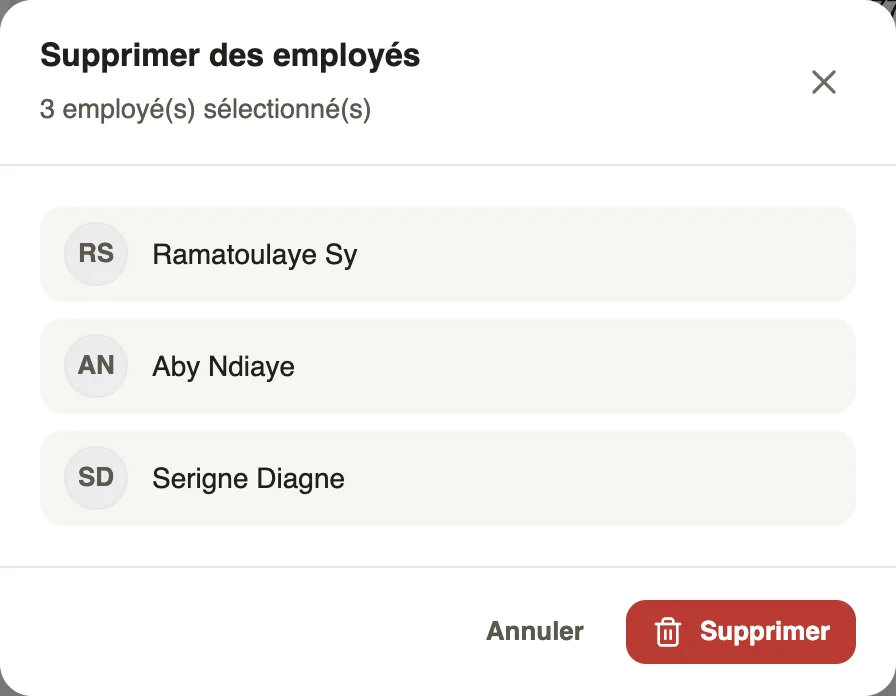
- Or from the list: tick the people, Action → Delete employees menu, then Delete; each line turns "Deleted".
Good to know
- Their contracts still open are closed: they will not get a payslip the following month.
- Their phone number is freed and can be used on another record.
- For a departure with a final settlement, first go through the final departure, Contracts tab.
- To cut only the app without deleting the record: cut access.
Go further
Declare a departure on leave or a final departureIn Weplanify, declare a departure on leave or a final departure from the employee's record, Contracts tab, so that payroll prepares what is due to them.See who uses the app and cut someone's accessIn Weplanify, see for each employee whether they use the mobile app, send them the link, or cut their access without touching their record at all.Edit or delete several employees at onceIn Weplanify, tick several employees to give them all the same value at once (site, job, team, working hours…) or to delete them all together.