
The planning's workspaces
In Weplanify, a workspace is a separate planning, per department or per site, with its own members, its own schedules and its own set of teams.
In Weplanify, the Work schedule space (Global badge) exists by default. Create others to keep a separate planning, for example for security guards.
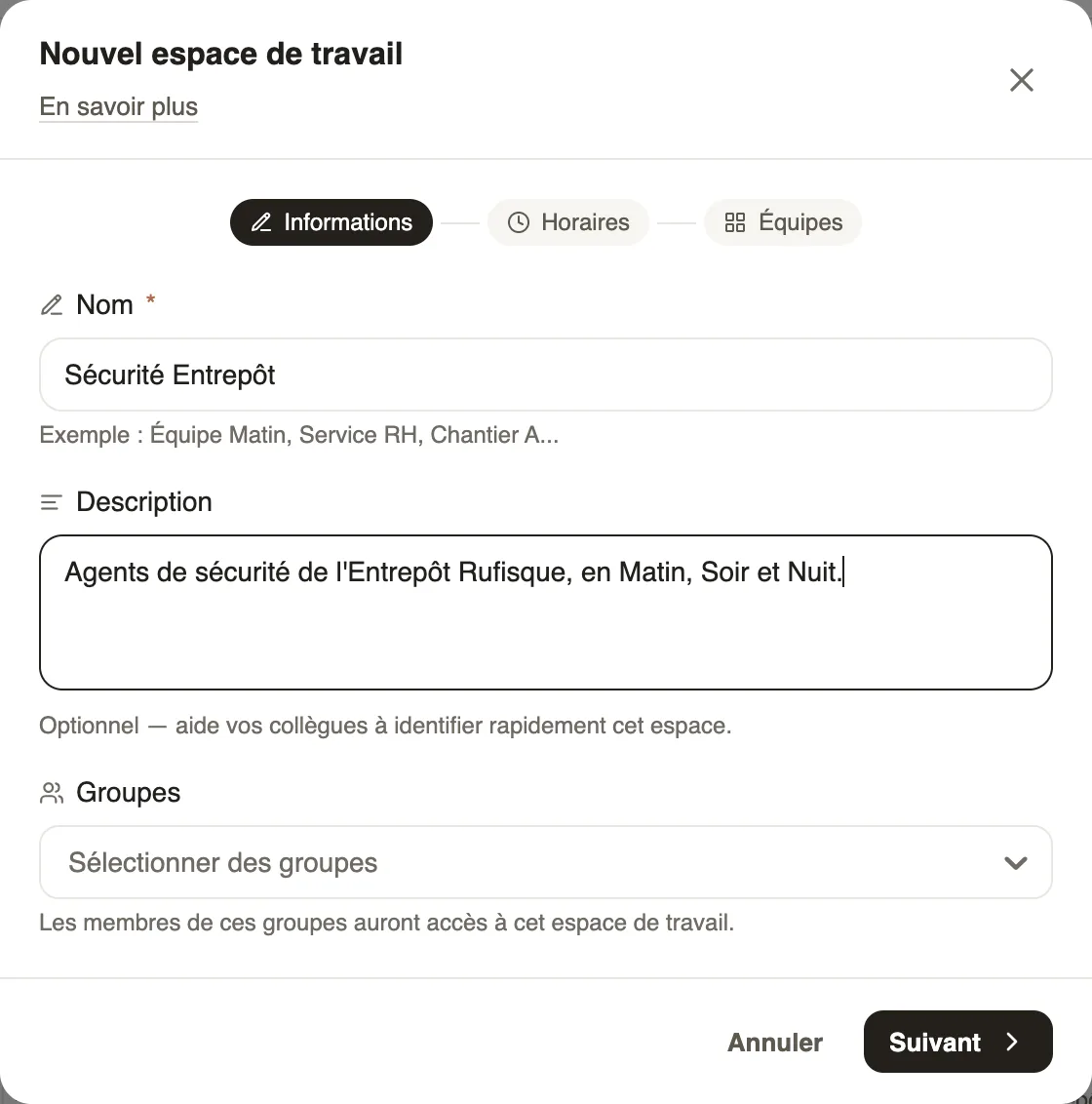
Steps
Good to know
- Without a group, only administrators see the space.
- The same menu switches from one space to another; the default space cannot be deleted.
- Generation criteria and staffing targets belong to each space.
Go further
Create and manage employee groupsIn Weplanify, a group brings employees together for planning, forms, approvals, bonuses and documents, and it also sets a manager's own scope.Create the work schedules (Morning, Evening, Night)In Weplanify, define the Morning, Day, Evening and Night schedules once, with their break and days, then pick them in one click in each slot.Plan by teams and rotationsIn Weplanify, plan a whole team at once and rotate your teams over the morning, evening and night shifts with a ready-made rotation model to start.Generate the week automaticallyIn Weplanify, let the planning share out mornings, evenings, nights and rest days according to your criteria: leave, night duty, fixed hours and days off.Set a minimum staffing level per site and jobIn Weplanify, set how many people you need at the very least per site, job and shift, and be warned whenever the planning falls short of that level.Split time entries by clockIn Weplanify, a clock gives a site or a team its own separate list of time entries, visible only to the groups of employees that you choose.